12
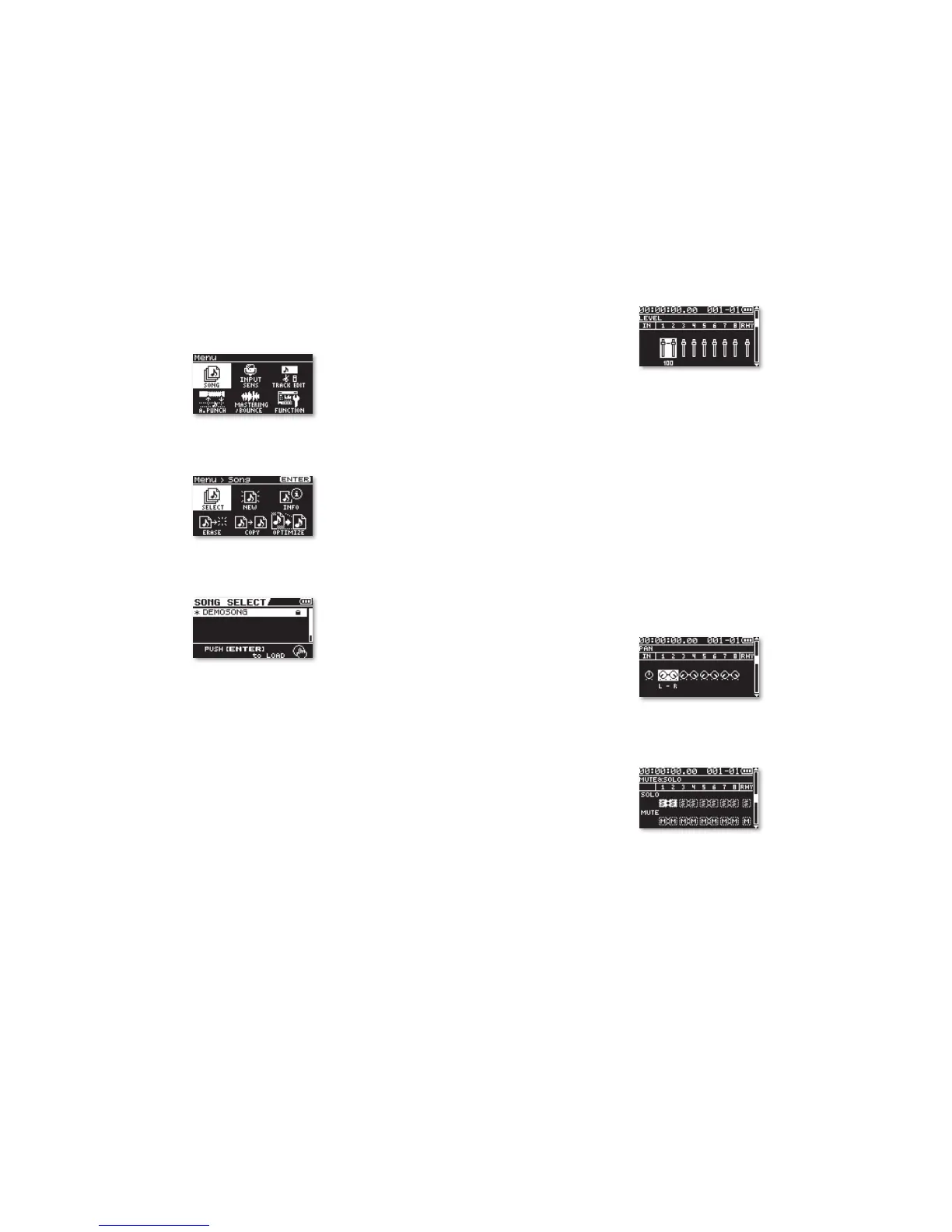
You can adjust the level of each of the song’s tracks from this screen.
In the demo song, there are four pairs of stereo tracks.
14 Use the 3 and 4 buttons to select different stereo track pairs, and
then turn the Value dial to change the selected tracks’ volume.
Here’s what’s where:
• Tracks 1/2—All vocals
• Tracks 3/4—Solo guitars
• Tracks 5/6—Main instrumental track
• Tracks 7/8—Drums and bass
By pressing 6, you can reveal the following screens, each of which
allows you to change the sound or status of each pair of tracks.
On the PAN screen, you can adjust the left-right placement of each
track pair in the stereo mix.
On the MUTE&SOLO screen, you can silence any track pair by muting
it. You can also isolate, or “solo,” a track, which temporarily turns off
all of the other tracks.
Turn the Value dial to solo
and unsolo, and mute
and unmute track pairs.
The EQ screen allows you to set the tonal quality of each track pair.
Listening to the BR-80 Demos
1 Press the MENU button to display the MTR-mode Menu screen.
2 If SONG isn’t selected as it is above, use the cursor buttons to select it.
3 Press the ENTER button to display the Menu > Song screen.
4 If SELECT isn’t already highlighted, select it.
5 Press ENTER to display the song list.
6 If DEMOSONG isn’t selected as shown above, select it.
7 Press ENTER to load the BR-80 demo—in a moment or two, you’re
back on the MTR-mode home screen.
8 Turn down the VOLUME wheel on the left side of the BR-80 all the
way to avoid blasting yourself.
9 Press the PLAY button and turn up the VOLUME dial to a comfortable
listening level.
10 When you’ve got it the way you want it, press STOP.
11 Hold down STOP and press the button to return to the top of the
song.
12 Press PLAY to listen.
13 Press 6 once to display the LEVEL screen.



 To Next Page