18
Troubleshooting
Power won’t come on/
CHECK indicator doesn’t light:
●
Is the specified adaptor (PSA-series;
sold separately) properly connected?
Check the connection once more (p. 10).
●
Is the battery low or dead?
Replace with a new battery (p. 17).
●
Is the guitar connected properly to
the INPUT jack?
Check the connection once more (p. 10).
* To prevent excess battery drainage, turn the
power on without the plug inserted in the
INPUT jack.
* The battery that was supplied with the unit
is for temporary use—intended primarily for
testing its operation. For using the unit for
more extended periods of time, we
recommend the use of alkaline batteries.
No sound / Low volume:
●
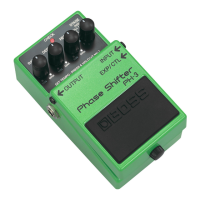
Is the PH-3 properly connected to
your instrument?
Check the connection once more (p. 10).
●
Is the volume turned down on any
guitar amp or effects device you have
connected?
Sound is distorted:
●
Is the battery low?
As the battery is drained, the CHECK in-
dicator dims, and the PH-3 may start to
function incorrectly. Replace with a new
battery (p. 17).
●
Could the level of the sound being
input be excessive?
With some guitars, distortion may be
produced. Be careful of your guitar’s out-
put level.



 To Next Page