12
Operation
1.
When you have finished making the
connections (p. 10), press the pedal
switch to turn the effect on (the
CHECK indicator is lit).
2.
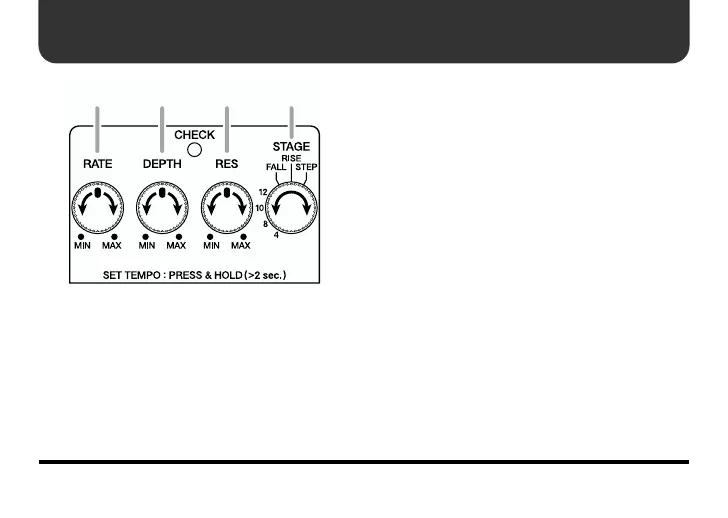
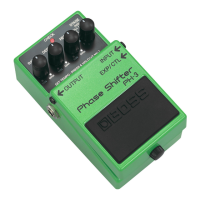
Set the RATE, DEPTH, and RES knobs
at the center position.
3.
Use the STAGE switch to select the
stage type.
4.
With the RATE knob, adjust the speed
of the filter change.
* When set to MIN, the filter remains off.
5.
With the DEPTH knob, adjust the
depth of the filter change.
* The filter effect stops when this is set to
MIN with the STAGE switch set to
anything besides FALL or RISE.
6.
With the RES (Resonance) Knob,
adjust the strength of the filter effect.
* Raising the RES setting (turning it
clockwise) makes it easier for the sound to
become distorted. If it appears that the
sound is becoming distorted, try lowering
the RES setting.
32,4 2,5 2,6



 To Next Page