9
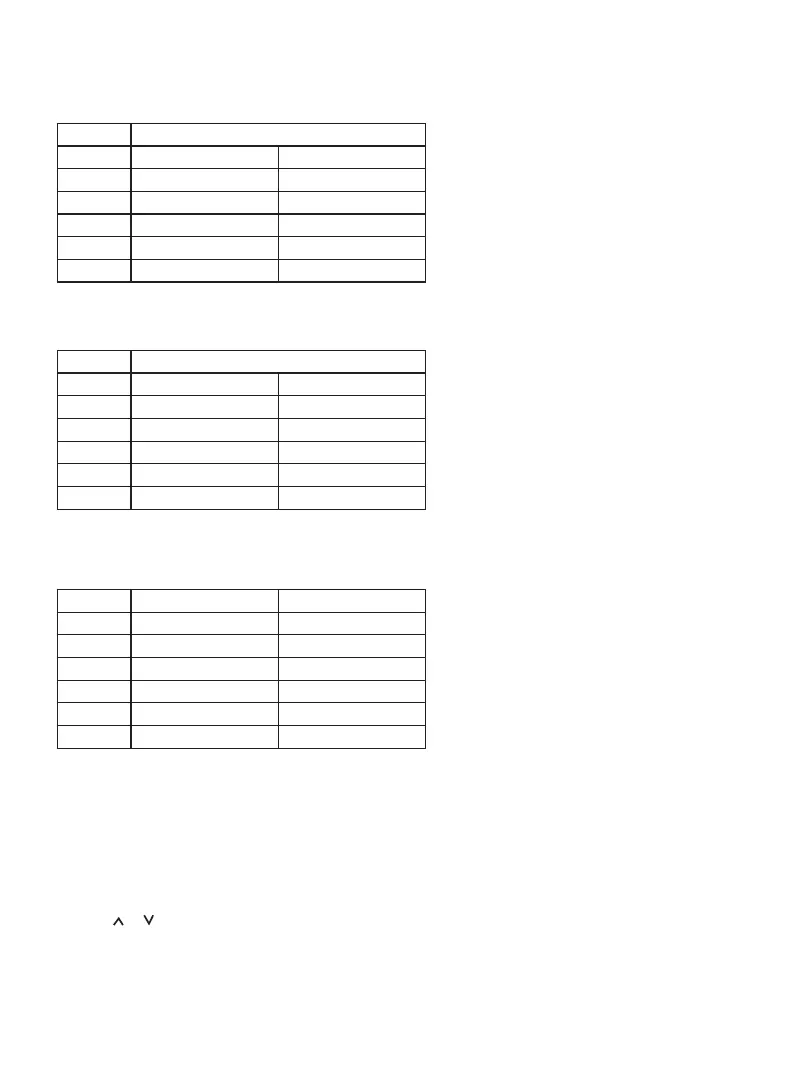
Now if you change program 2 start time from 8.00am to 1.00pm, the new program setting is as below and uses
the temperature setting of the last period as the current setting i.e. use 21°C in our example.
New
Program
1 Time: 06:30am Temp: 21°C
2 Time: 1:00pm Temp: 18°C
3 Time: 1:00pm Temp: 23°C
4 Time: 1:00pm Temp: 21°C
5 Time: 6:00pm Temp: 21°C
6 Time: 10:30pm Temp: 16°C
Similarly, if you set the time earlier than a previous program time, similar changes are applied. For example:
Original
Program
1 Time: 06:30am Setpoint Temp: 21°C
2 Time: 08:00am Setpoint Temp: 18°C
3 Time: 10:00am Setpoint Temp: 23°C
4 Time: 12:00pm Setpoint Temp: 21°C
5 Time: 6:00pm Setpoint Temp: 19°C
6 Time: 10:30pm Setpoint Temp: 16°C
If you change program 5 start time from 6pm to 7am. The new program setting is as below using the temperature
setting of the last conflicting programme i.e. uses 19°C in our example.
New
Program
1 Time: 06:30am Setpoint Temp: 21°C
2 Time: 7:00am Setpoint Temp: 18°C
3 Time: 7:00am Setpoint Temp: 23°C
4 Time: 7:00am Setpoint Temp: 21°C
5 Time: 7:00am Setpoint Temp: 19°C
6 Time: 10:30pm Setpoint Temp: 16°C
Installer Setting Mode:
There is one setting for installer:
• Offset from -3.0°C to +3.0°C.
1. Press and hold ON/OFF over 2 seconds, the unit is in Offset selection. LCD will display OFS and
stored offset temperature.
2. Press or to change offset by 0.5°C steps.
3. Press Select to save the value and return to the home screen.
Note: During any time if there is no subsequent key press within 10 seconds or Set is pressed, the unit will store
the setting and return to the home screen.


 To Next Page