User’s Manual
27
Stairs (4 segments)
Manual
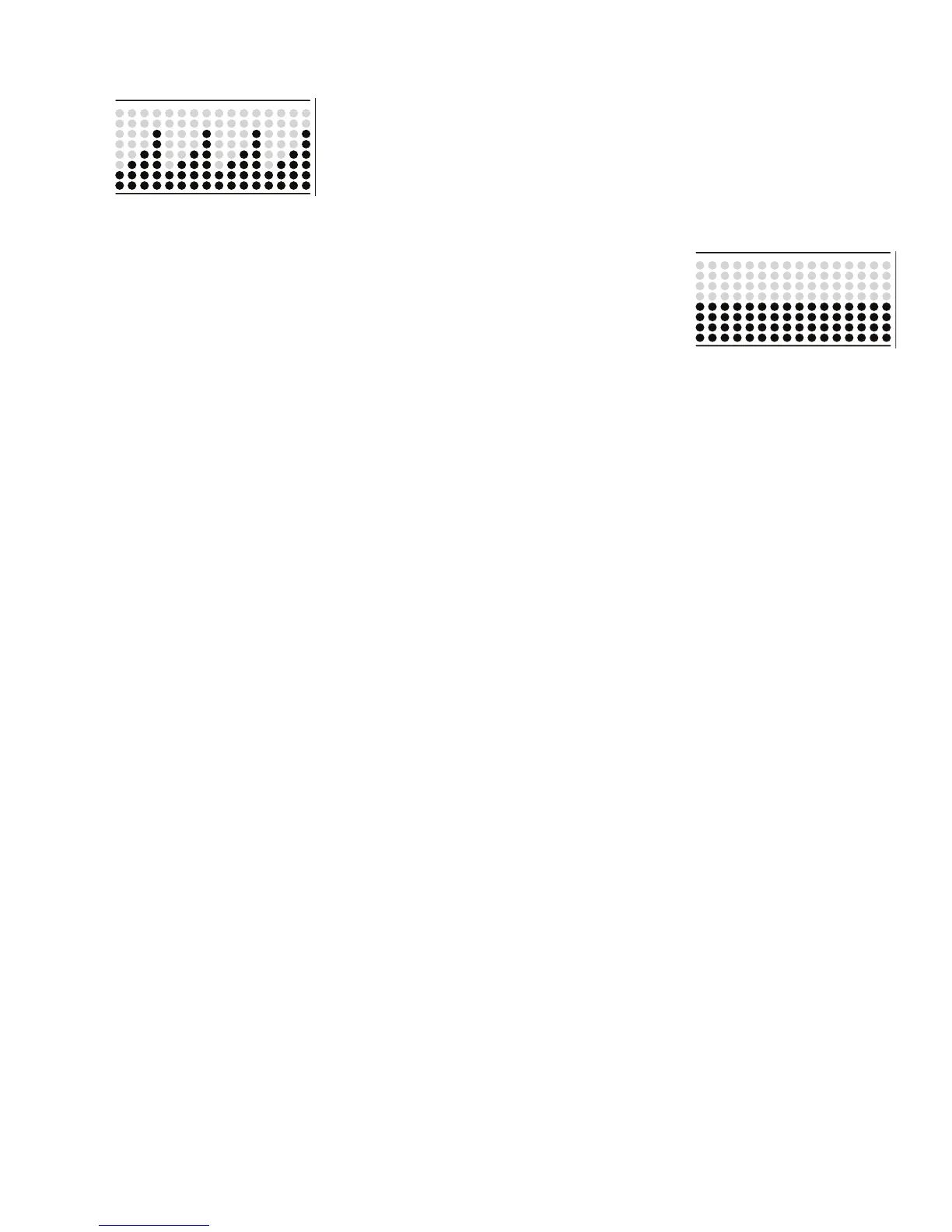
The Manual workout program is an open-ended workout that tracks the total workout time. During a Manual
workout, the Workout Prole Display shows the Resistance Level.
Note: Because of the open-ended design of the Manual workout, the Add Time button is disabled.
To start a Workout Program:
1. Stand on the machine.
2. Push the PROGRAMS button to select the desired Workout Program.
3. Push the ENTER/START button to begin the selected Workout Program.
Paused / Results Mode
To Pause a workout:
1. Stop pedaling and push the PAUSE/STOP button to pause your workout.
When paused, the Console display will show “WORKOUT PAUSED”.
Note: The Console will automatically pause if there is no RPM signal for 5 seconds.
2. To continue your workout, push ENTER/START or start pedaling.
To end the workout, push the PAUSE/STOP button. The Console will display “WORKOUT COMPLETE”, save the workout, and then display
the workout result values (Total Calories, Total Time, Average Calorie Burn Rate, Average Heart Rate, Average RPM, and Average Resistance
Level).
If there is no input to the Console for 5 minutes, it automatically goes to the Power-Up / Idle Mode.













 To Next Page