www.boyue.com
Copyright 2019 © Shenzhen Boyue Technology Co. Ltd. All rights reserved.
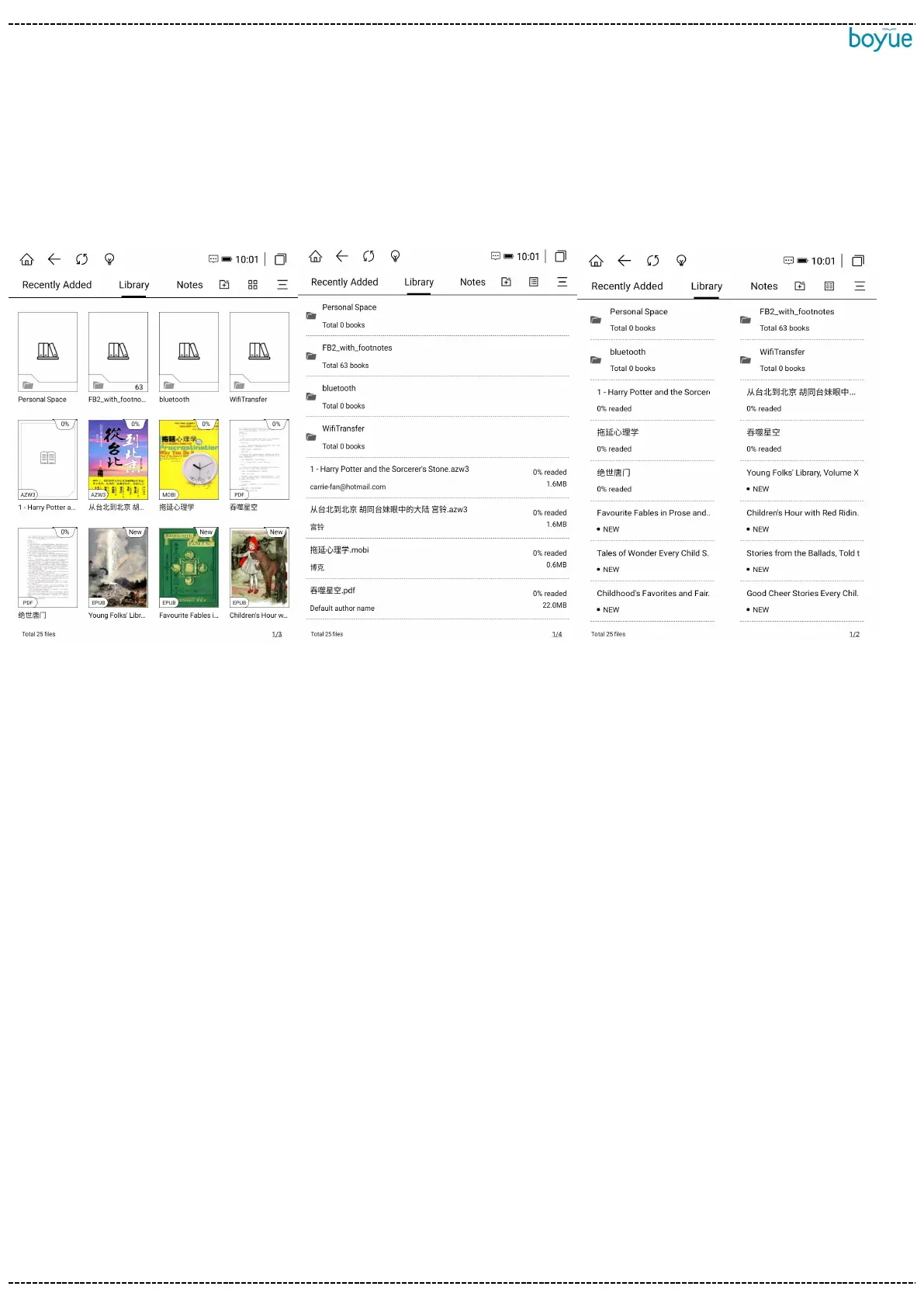
3.2.2. grid mode switch
The bookshelf defaults to 9-square grid mode, click the layout switch button in the
upper left corner to switch to: 12-square grid mode, list mode, and tile mode.
3.2.3. book search
Click the book search in the more menu on the right to enter the book search
interface. The keyboard is automatically turned on, and after entering the search
vocabulary, it can automatically perform vocabulary association to display the search
results. The search history is displayed below the input box.



 To Next Page