www.boyue.com
Copyright 2019 © Shenzhen Boyue Technology Co. Ltd. All rights reserved.
8. Third-party application optimization settings
Long press the third-party application to set the application icon to the top, optimize
the configuration of the third-party application, and uninstall the third-party application.
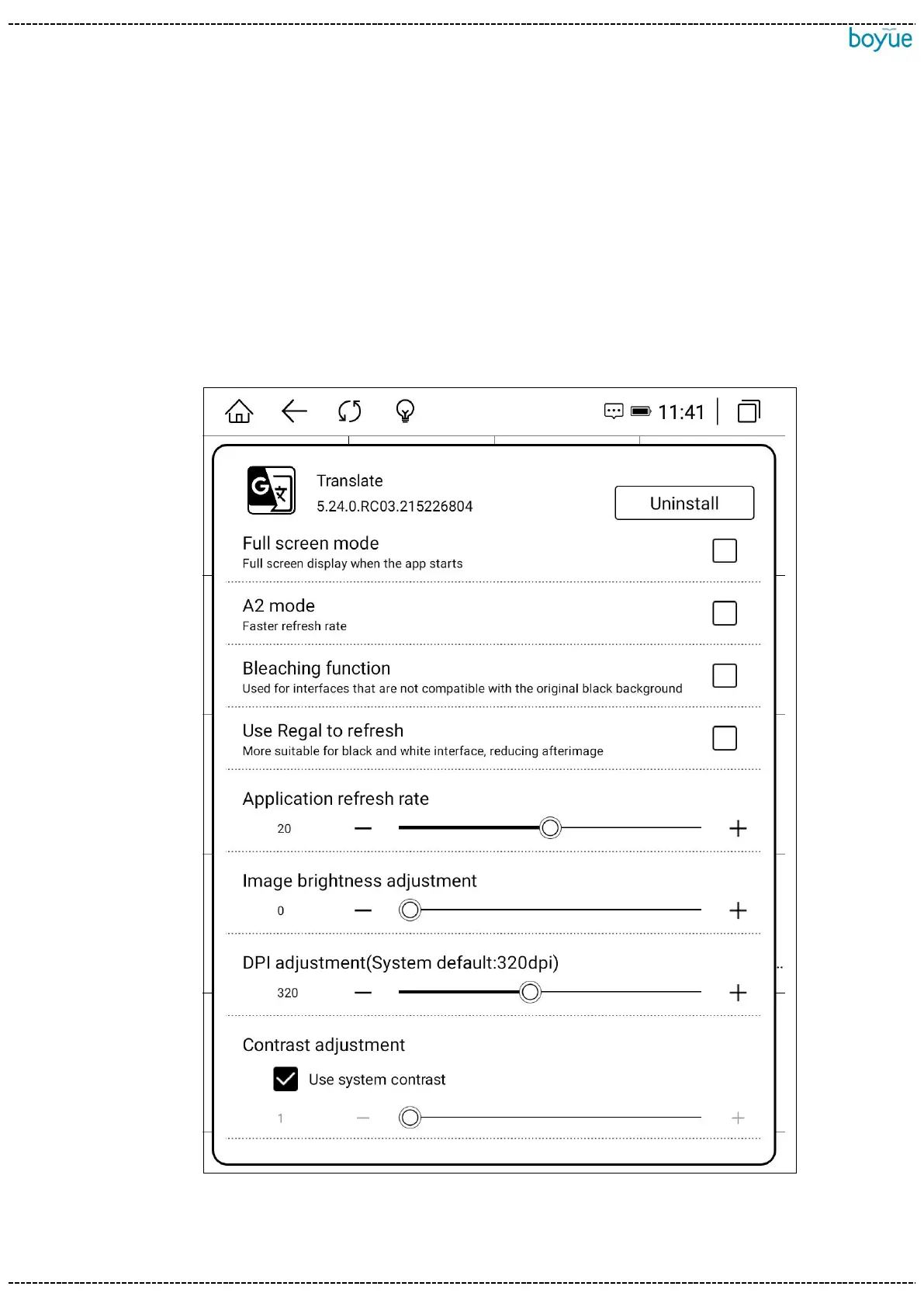
Click Optimize to set whether to enable full-screen display, whether to enable A2 refresh,
whether to enable bleaching function, and whether to use Regal brush by default. You
can also adjust the animation delay, refresh rate, image brightness, DPI and contrast.



 To Next Page