www.boyue.com
Copyright 2019 © Shenzhen Boyue Technology Co. Ltd. All rights reserved.
2. Status bar
Full brush: Click the refresh icon in the status bar to perform a full brush operation;.
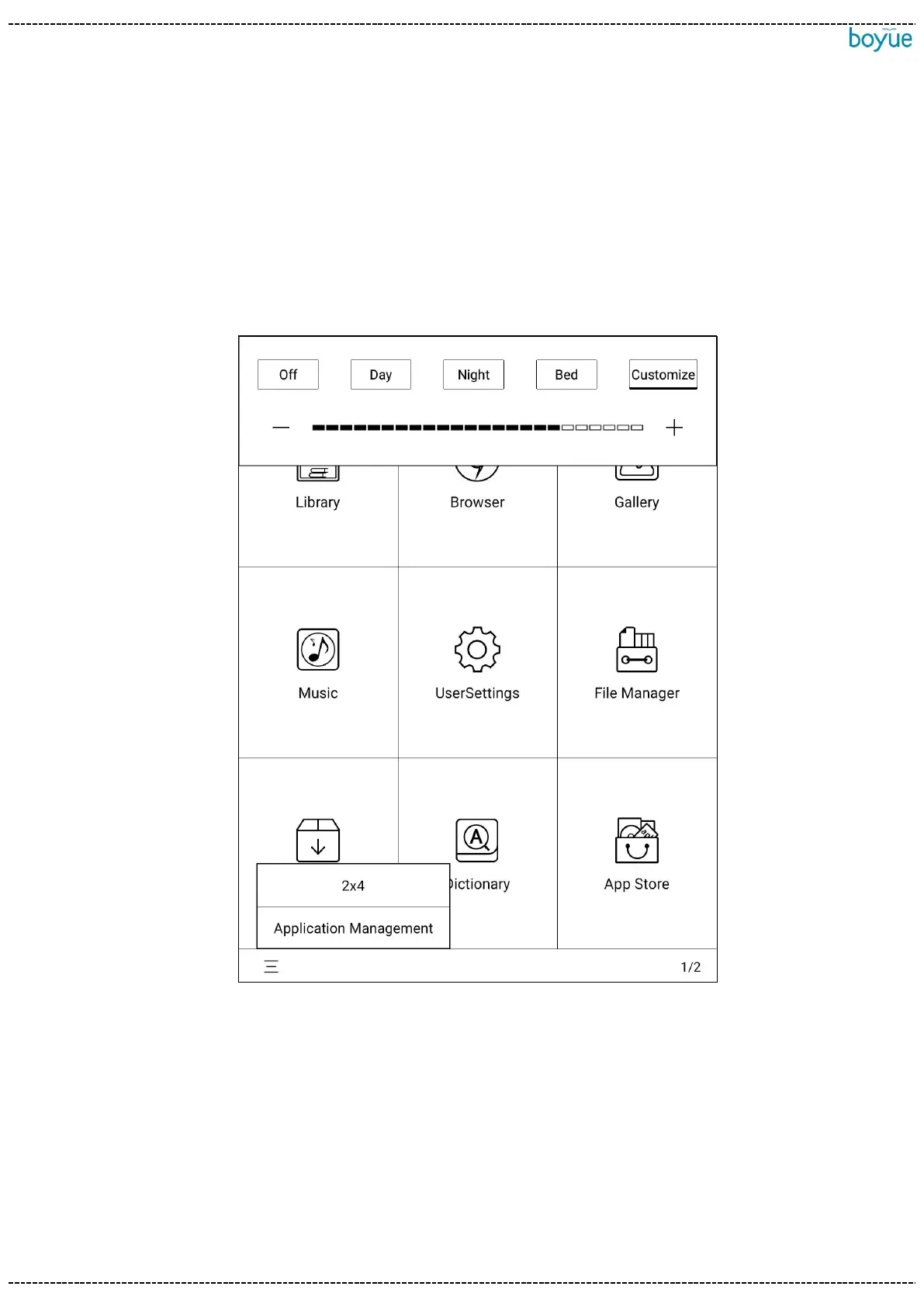
Brightness: Click the brightness icon to enter the brightness adjustment interface. By
default, there are four pre-made modes: "light off", "day", "night" and "quilt". Click
"Custom" to manually set the brightness.
Multitask management: Click the multitask icon on the far right of the status bar to
enter the task management interface. After entering the task management interface,
click the cleanup icon on the right to clean up background processes.
Click the non-button area of the status bar to call up the shortcut switch menu. In the
shortcut switch menu, A2 refresh, WIFI, Bluetooth, power saving mode and flight mode



 To Next Page