www.boyue.com
Copyright 2019 © Shenzhen Boyue Technology Co. Ltd. All rights reserved.
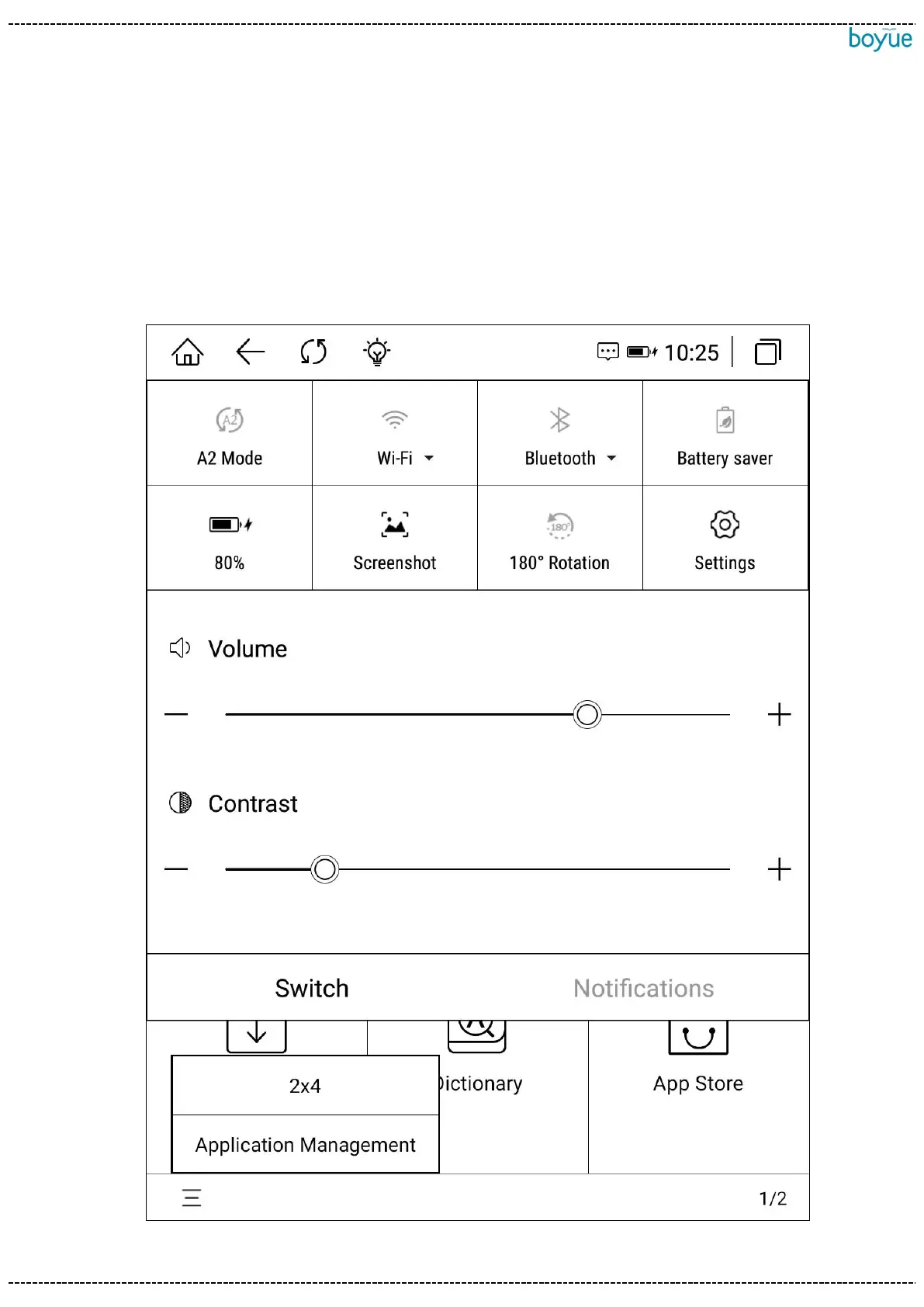
can be turned on and off. You can also adjust the volume and contrast and take
screenshots. Long press WIFI, Bluetooth, battery and settings to enter the
corresponding details interface. If the system has a message reminder, it will be
displayed in the "Notification" window. Click the clear icon in the upper right corner of
the notification window to clear the notification information.



 To Next Page