www.boyue.com
Copyright 2019 © Shenzhen Boyue Technology Co. Ltd. All rights reserved.
1.1. Application management
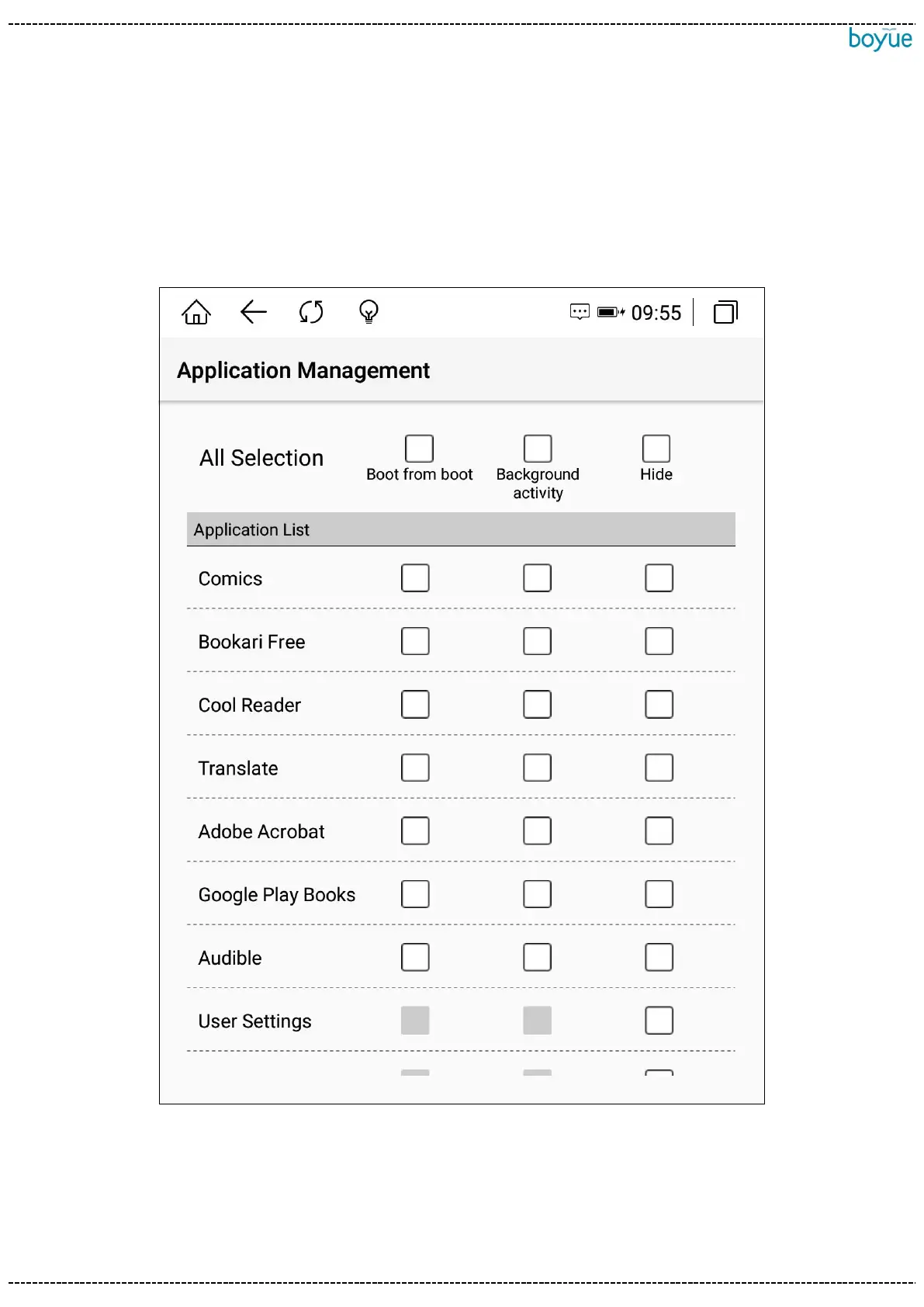
Click "Application Management" in the left drop-down box to enter the application
startup management interface. You can set the application to start automatically after
booting, allow background activities, and hide application icons.1.2. grid switch
1.2. Grid switch
Icon arrangement can be set to 3X3, 2X4, 3X4, 4X5 mode



 To Next Page