www.boyue.com
Copyright 2019 © Shenzhen Boyue Technology Co. Ltd. All rights reserved.
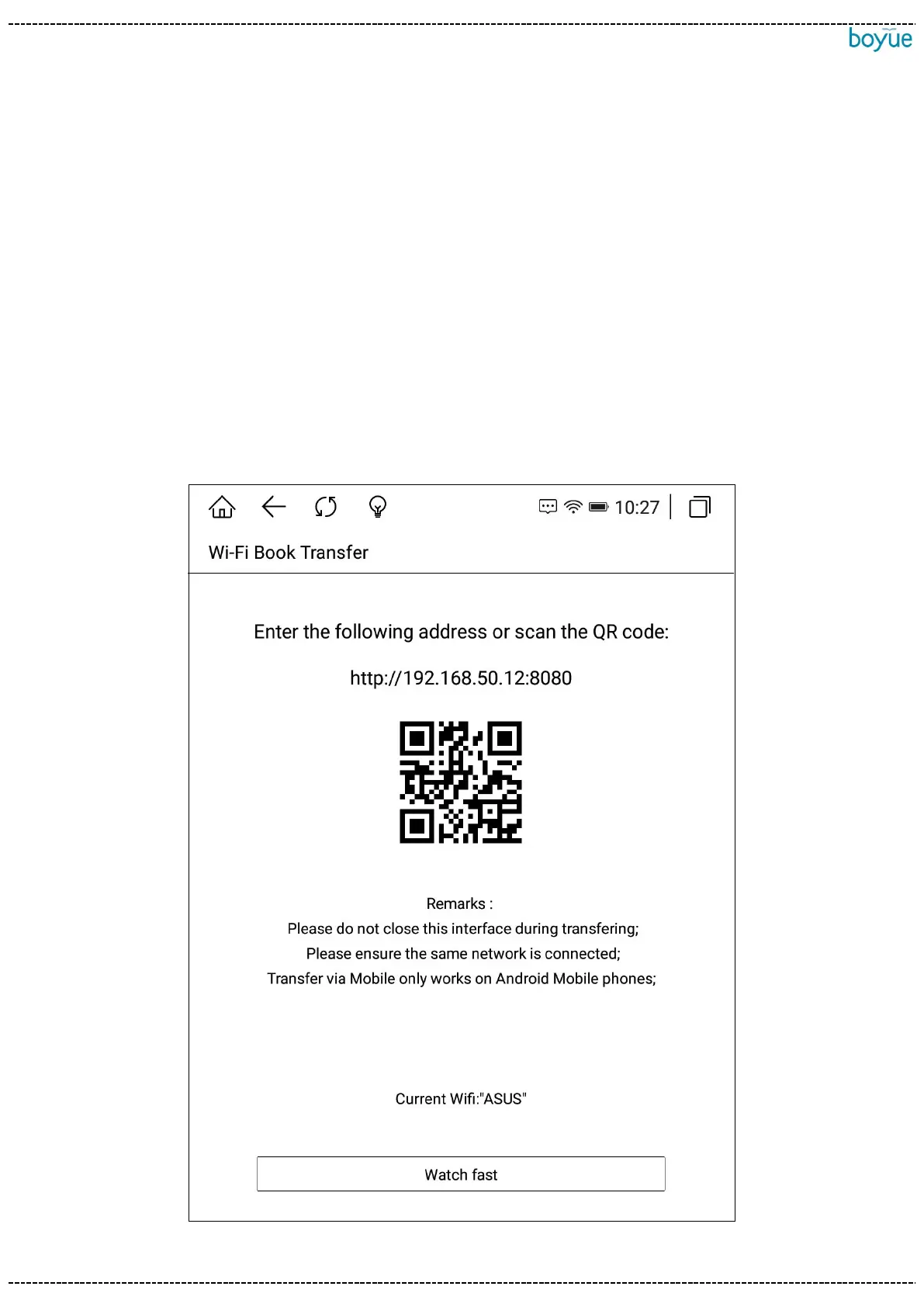
4. WIFI transfer books
(1) The reader and computer are connected to the same network.
(2). Open the webpage on the computer and enter the URL displayed on the WIFI
upload interface. After successfully entering the webpage, you can start uploading the
book.
(3) After all the books on the web page are successfully uploaded, the machine
returns to the bookshelf interface, and the books will be automatically added to the
bookshelf.



 To Next Page