www.boyue.com
Copyright 2019 © Shenzhen Boyue Technology Co. Ltd. All rights reserved.
6. Settings
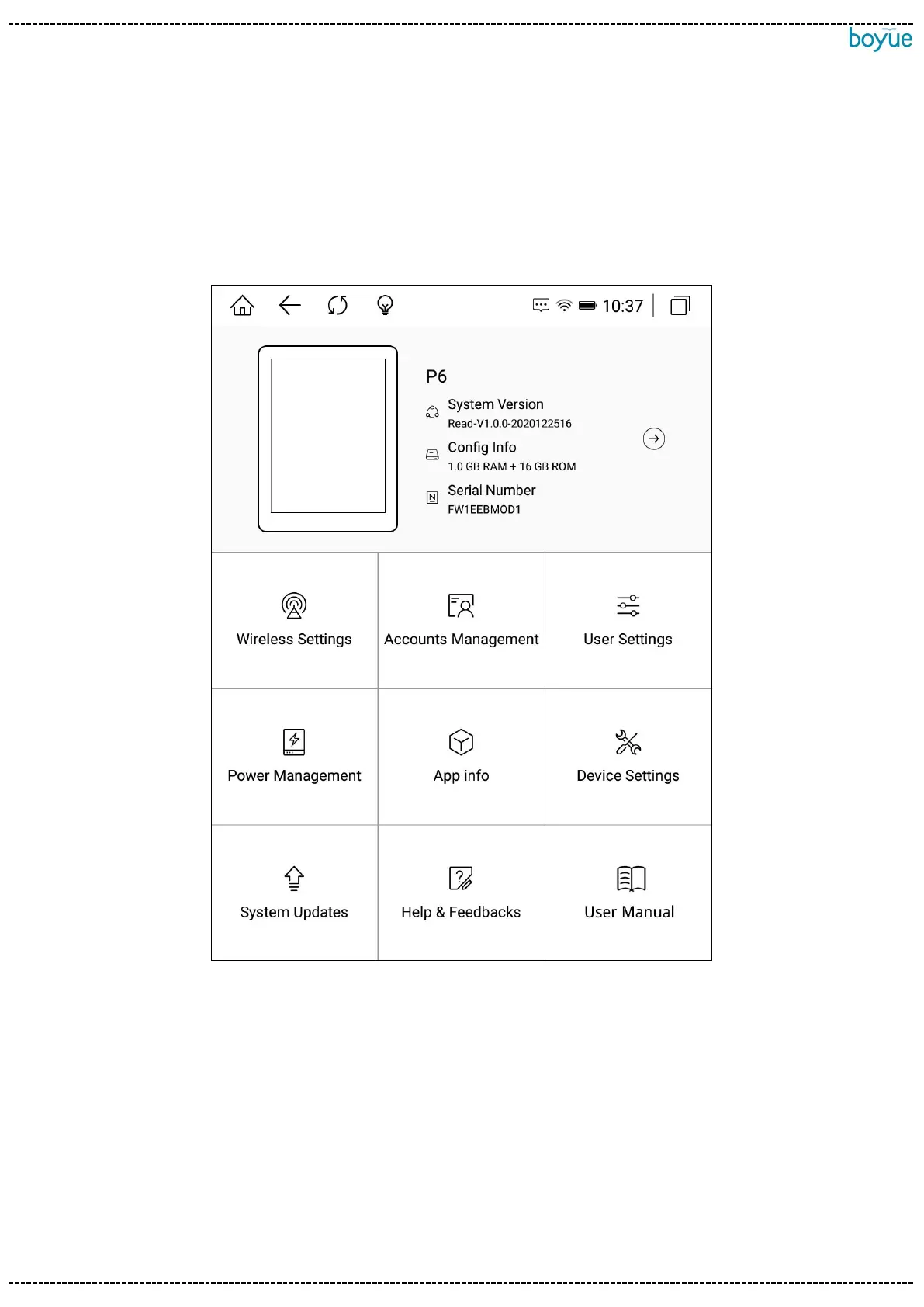
Users can enter the settings page to set the device globally, including device details,
wireless settings, account management, user settings, power management, application
management, device settings, system updates, and help feedback.
6.1. Equipment details
Display the current model, version number, configuration information and serial
number. After clicking it, you can enter the about device interface and view more
detailed information.



 To Next Page