www.boyue.com
Copyright 2019 © Shenzhen Boyue Technology Co. Ltd. All rights reserved.
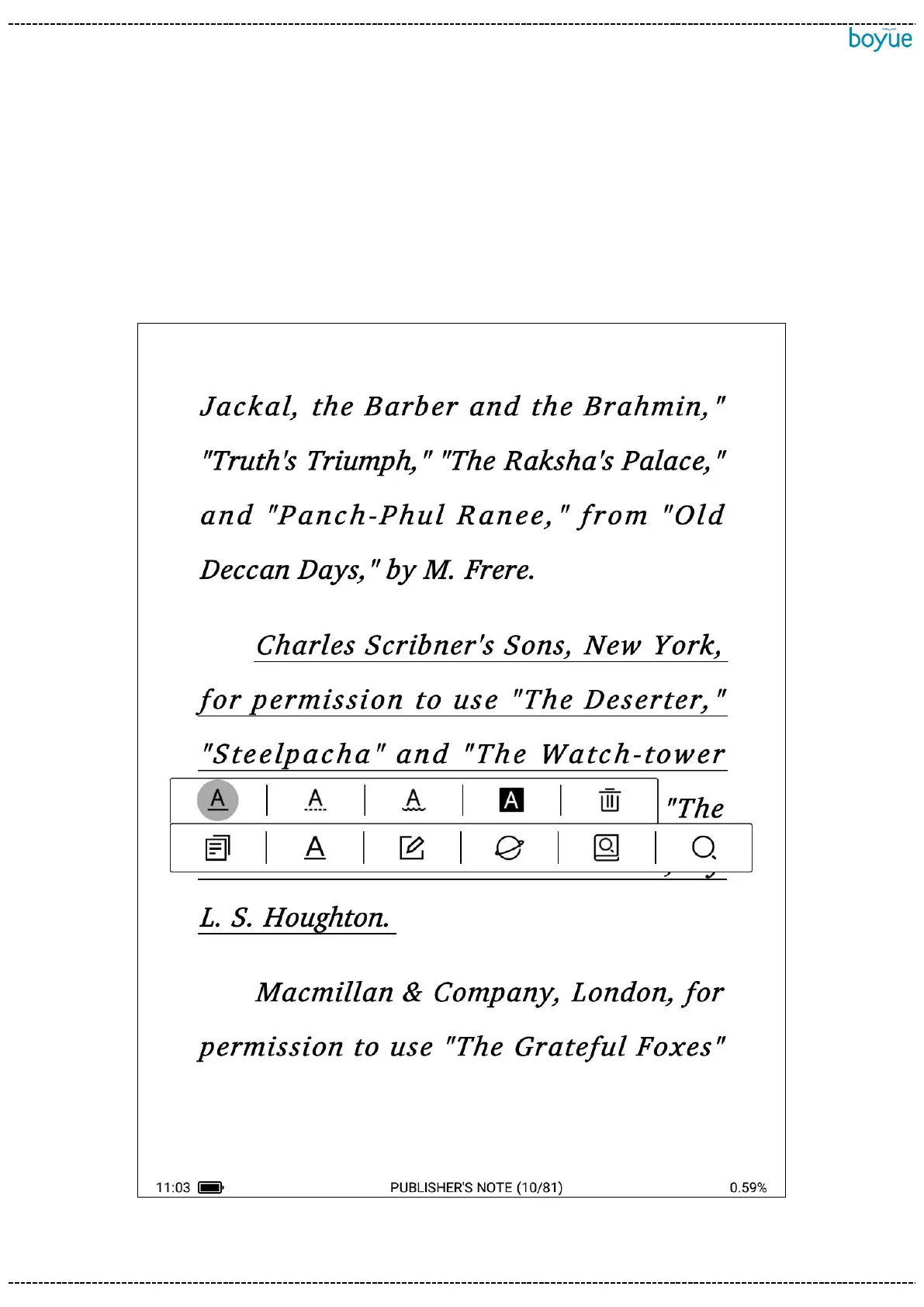
the word search icon again to switch to the word selection translation function. You can
set the target language for translation in the upper right corner of the translation bullet
box.
Select word search: Select the full text search in the dialog box, and the sentences
containing the word in the book can be displayed normally.



 To Next Page