PROGRAMMING
30
ENGLISH
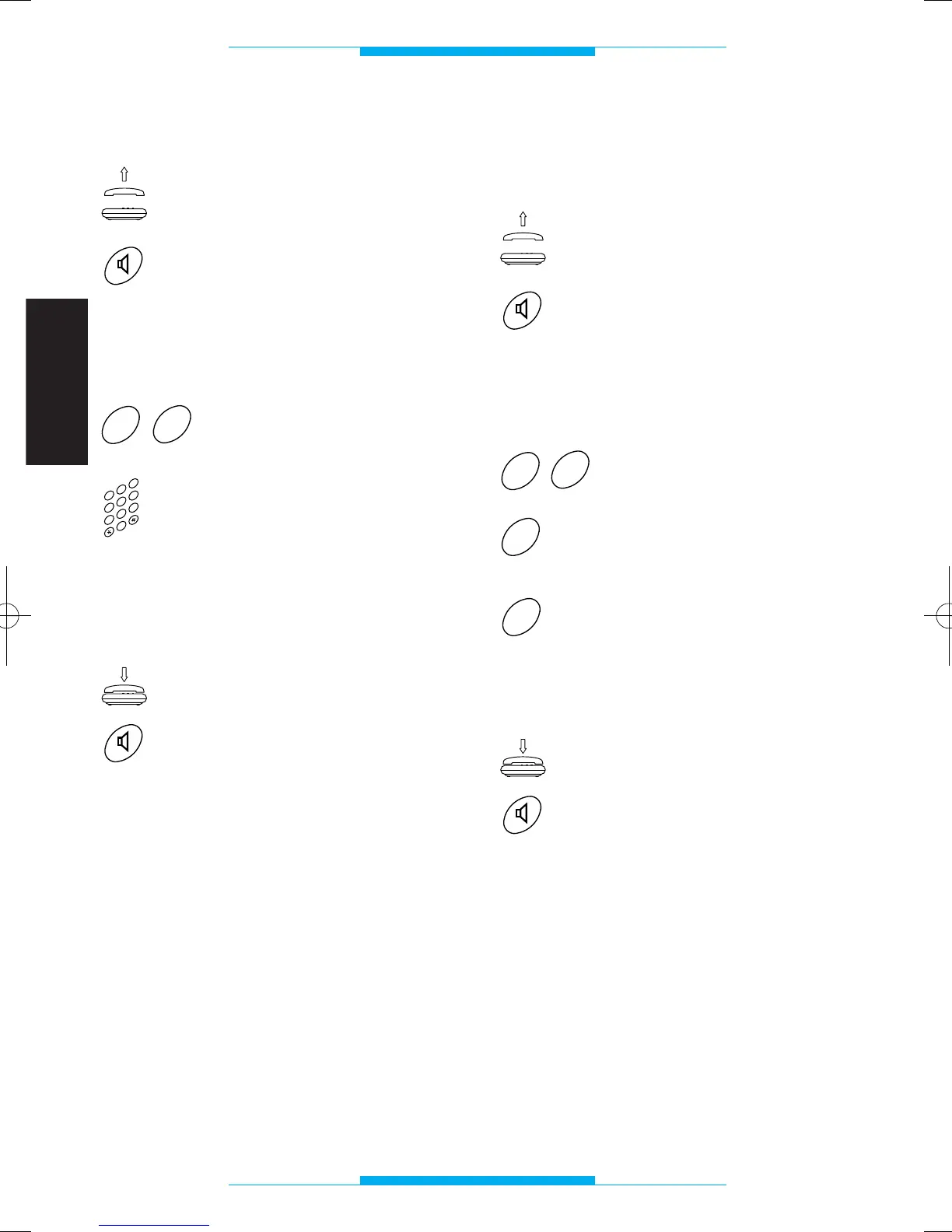
Entry panel conversation length
Lift the receiver
or
press the hands-free key.
Following this operation, a double tone
should sound, prompting you to commence
programming.
Key in 27.
Key in conversation length
(in the range 10 to 99
seconds), e.g. 20 for 20
seconds.
Once finished, you should hear a triple tone
confirming the setting.
Replace the receiver
or
press the hands-free key.
NOTE. The time can only be varied for
audio entry control systems without conver-
sation privacy (e.g. with A/200R).
Analogue or coded mode
(see instructions attached to the digital entry
panels)
Lift the receiver
or
press the hands-free key.
Following this operation, a double tone
should sound, prompting you to commence
programming.
Key in 62.
Press 0 for analogue mode
(
1
)
or
1 for coded mode.
Once finished, you should hear a triple tone
confirming the setting.
Replace the receiver
or
press the hands-free key.
(
1
)
This programming procedure is only
necessary in the event you wish to reconfi-
gure the interface previously programmed
with digital codes.
IT200 24037311 02_09 24-02-2009 14:28 Pagina 30


 To Next Page