23
ENGLISH
CONNECTIONS
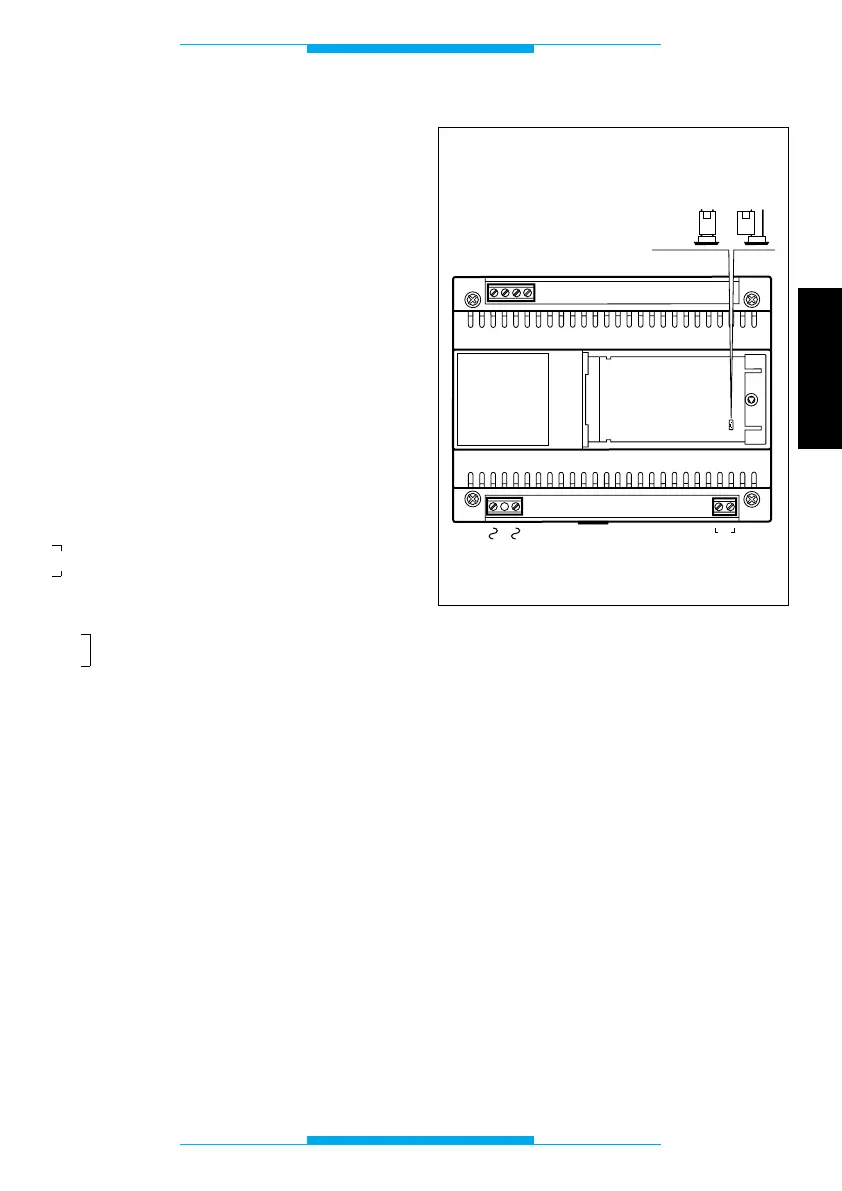
In order to access the terminals, remove the
terminal covers. The use of a 6/10 telepho-
ne cable is recommended for connecting
the telephones.
The maximum distance between the
telephone interface and the telephone is
100 m.
NOTE. The unit must be connected on ana-
logue telephone lines only and not digital
ISDN lines.
Functions of each terminal
Terminal block T (telephone line)
ae incoming telephone line
be incoming telephone line
au outgoing telephone line
bu outgoing telephone line
Terminal block IN
B video entry control line input
Terminal block A
~
mains
~
NOTE. When the jumper SW1 is ON, the
unit disables programming via the telepho-
ne.
Fig. 2



 To Next Page