31
ENGLISH
FUNCTIONS
Self-connection on entry panel
The entry panel can be activated for any of
the following needs (when the system is
free):
• audio and video monitoring of the entran-
ce (where the entry panel features a
camera);
• exchanging entry panels;
• releasing door lock;
• releasing auxiliary command.
Interlocutor switching
This function enables the user, whilst com-
municating with an outside line or the entry
panel, to answer a call on the other line, put-
ting the current conversation on hold.
The interlocutor put on hold hears a tone
advising him/her of the current hols status.
NOTE. During the conversation, a sound
advise the user of the incoming call.
In order to switch between interlocutors
during a conversation:
Press the entry handset/telepho-
ne transfer key (in the case of bpt
telephones; for other telephones,
consult the summary table).
NOTE. If the interface is programmed with
the FLASH INTERCEPTION function disa-
bled, the control will not work using a stan-
dard multifrequency set whilst communica-
tion of the local telephone line.
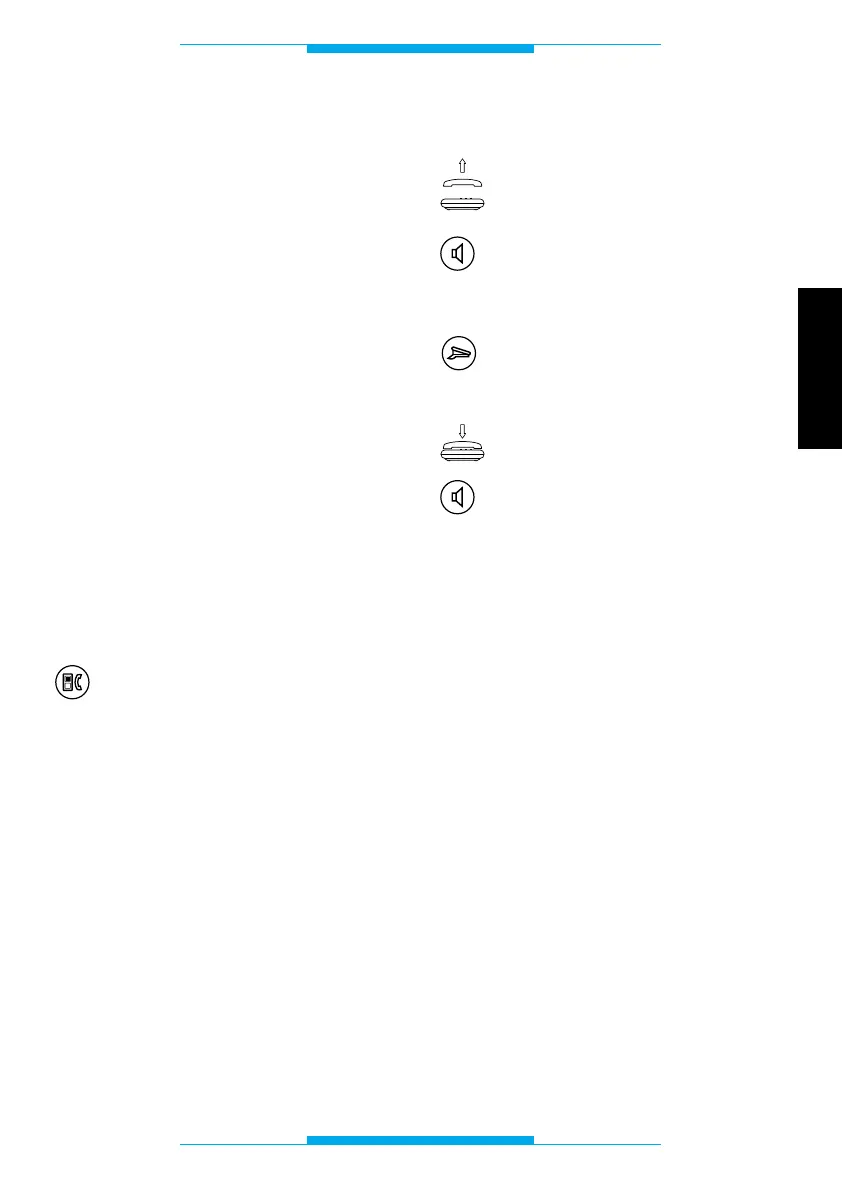
Porter call
Lift the receiver
or
press the hands-free key.
Wait for the dial tone.
Press the porter call key (in the
case of bpt telephones; for other
telephones, consult the sum-
mary table).
Replace the receiver
or
press the hands-free key.
NOTE. If the interface is programmed with
the FLASH INTERCEPTION function disa-
bled, the control will not work using a stan-
dard multifrequency set whilst communica-
tion of the local telephone line.



 To Next Page