26
ENGLISH
PROGRAMMING
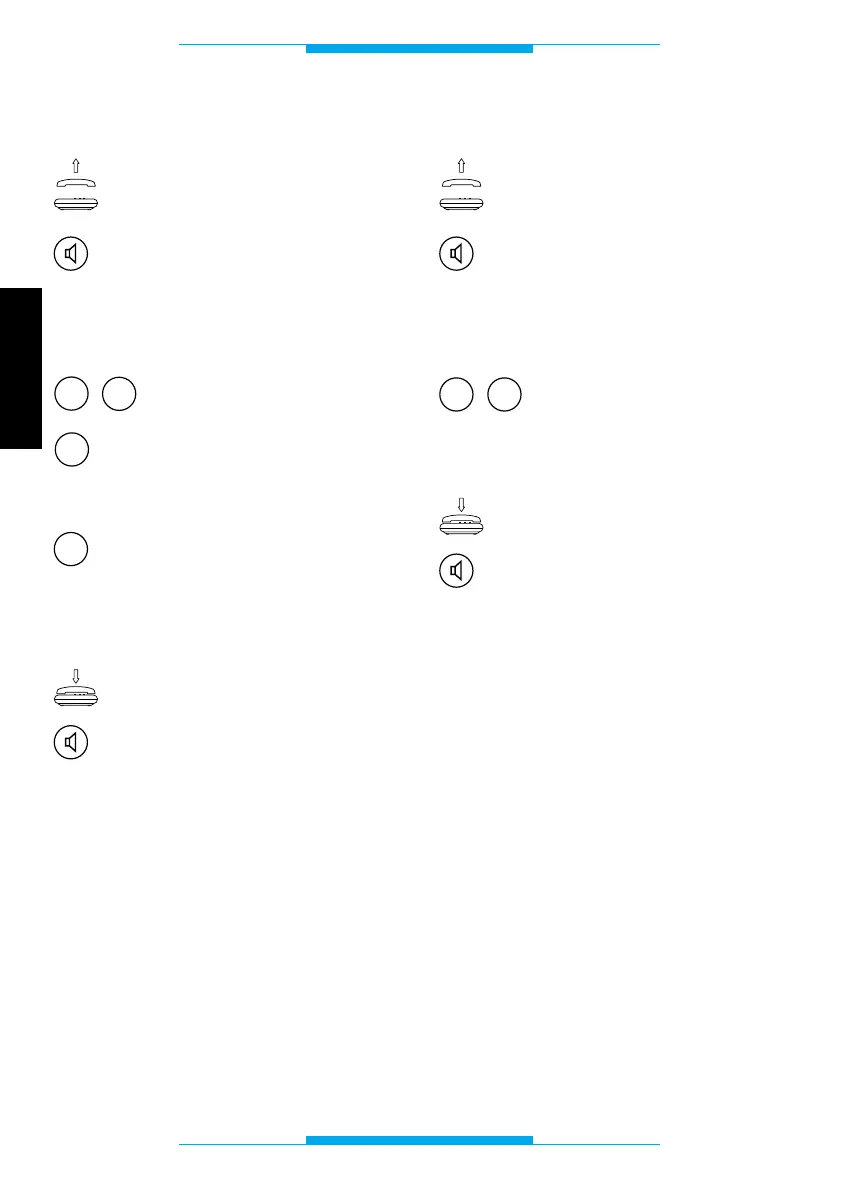
Flash interception
Lift the receiver
or
press the hands-free key.
Following this operation, a double tone
should sound, prompting you to commence
programming.
Key in 63.
Press 0 to disable flash inter-
ception (connection to bpt
telephone)
or
1 to enable flash intercep-
tion (connection to generic
DTMF telephone).
Once finished, you should hear a triple tone
confirming the setting.
Replace the receiver
or
press the hands-free key.
Resetting default settings
Lift the receiver
or
press the hands-free key.
Following this operation, a double tone
should sound, prompting you to commence
programming.
Key in 00.
Once finished, you should hear a triple tone
confirming the setting.
Replace the receiver
or
press the hands-free key.



 To Next Page