25
ENGLISH
PROGRAMMING
Programming the ID code
via the power supplier
Set the XA/300LR power supplier to exten-
sion programming mode by pressing the
SERVICE key for at least 3 sec.
Enter the IT/300 programming mode.
Press the auto-connection key or key in
R86.
Send the code by pressing the call button,
relating to the unit being programmed, on
the entry panel.
Exit the IT/300 programming mode.
Repeat the procedure for all the extensions
to be programmed.
In order to finish the programming of all the
units in the installation, press and release
the SERVICE button on the XA/300LR
power supplier.
Flash detection mode
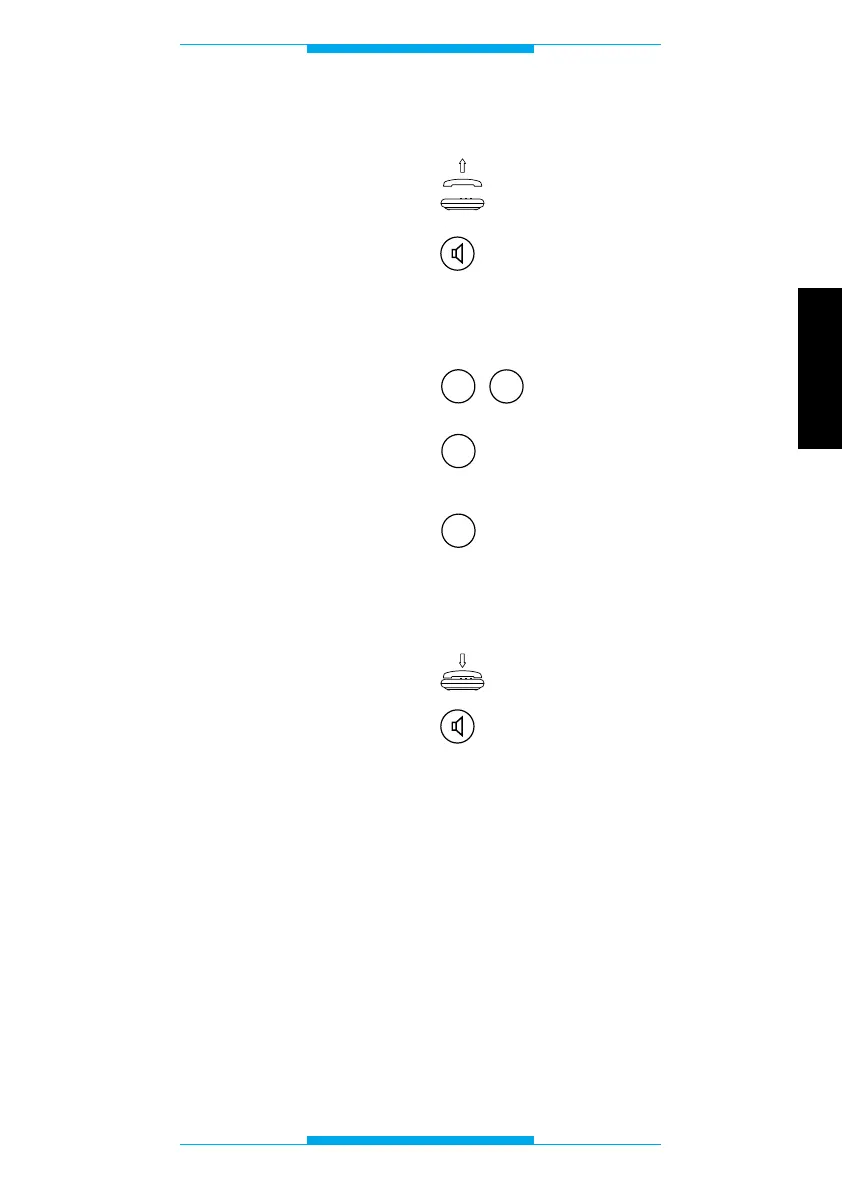
Lift the receiver
or
press the hands-free key.
Following this operation, a double tone
should sound, prompting you to commence
programming.
Key in 20.
Press 0 for type approved
flash detection
or
1 for long flash detection.
Once finished, you should hear a triple tone
confirming the setting.
Replace the receiver
or
press the hands-free key.



 To Next Page