GB
16
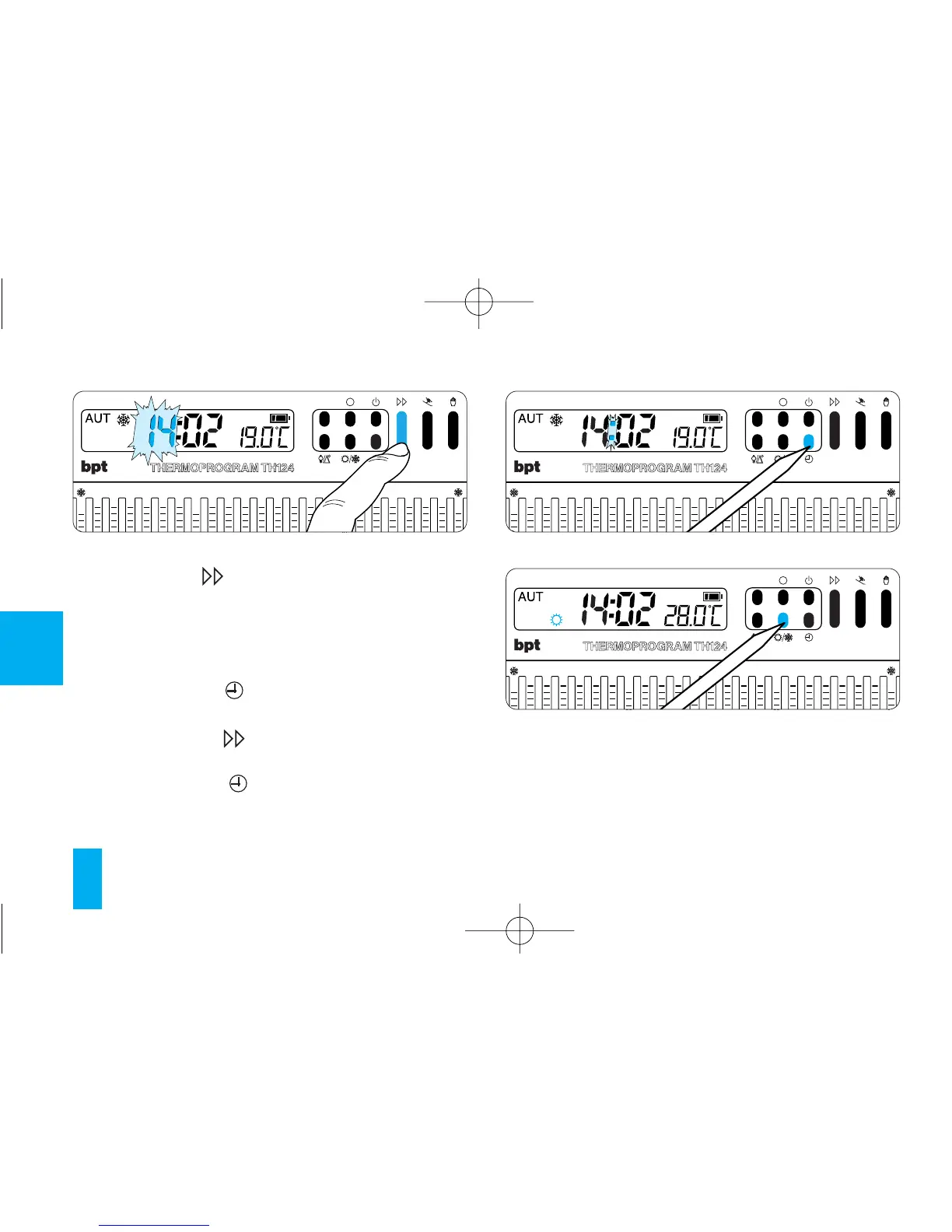
hes to confirm the operation is complete.
Whatever the case, if no button is pressed for 10
s, the unit automatically exits this procedure,
saving the last data set.
Every time the button is pressed, the digits
on the display go up by one.
When you hold this button down, the digits on the
display increase slowly for the first 5 s then the
sequence of digits advances more quickly.
5.3 - Press button (fig. 17).
The hour digits flash.
5.4 - Press button (fig. 18) until you reach the
exact hour.
5.5 - Press button to end the setting proce-
dure (fig. 19).
The colon between the hours and minutes flas-
Fig. 18



 To Next Page