17
GB
6 - HEATING OR
COOLING PROGRAMS
By pressing button (fig. 20), you can select
the cooling program or heating program ,
and the corresponding indicator appears. For
the cooling program, you can set the following
temperatures: from 20 °C to 32 °C, in 1°C steps,
34 °C and 36 °C.
For the heating program, you can set the follo-
wing temperatures: 6 °C, 8 °C and from 12 °C to
24 °C in 1°C steps.
7 - AUTOMATIC PROGRAM
The AUT indicator reports that the unit is in
AUTOMATIC mode. If the unit is in MANUAL
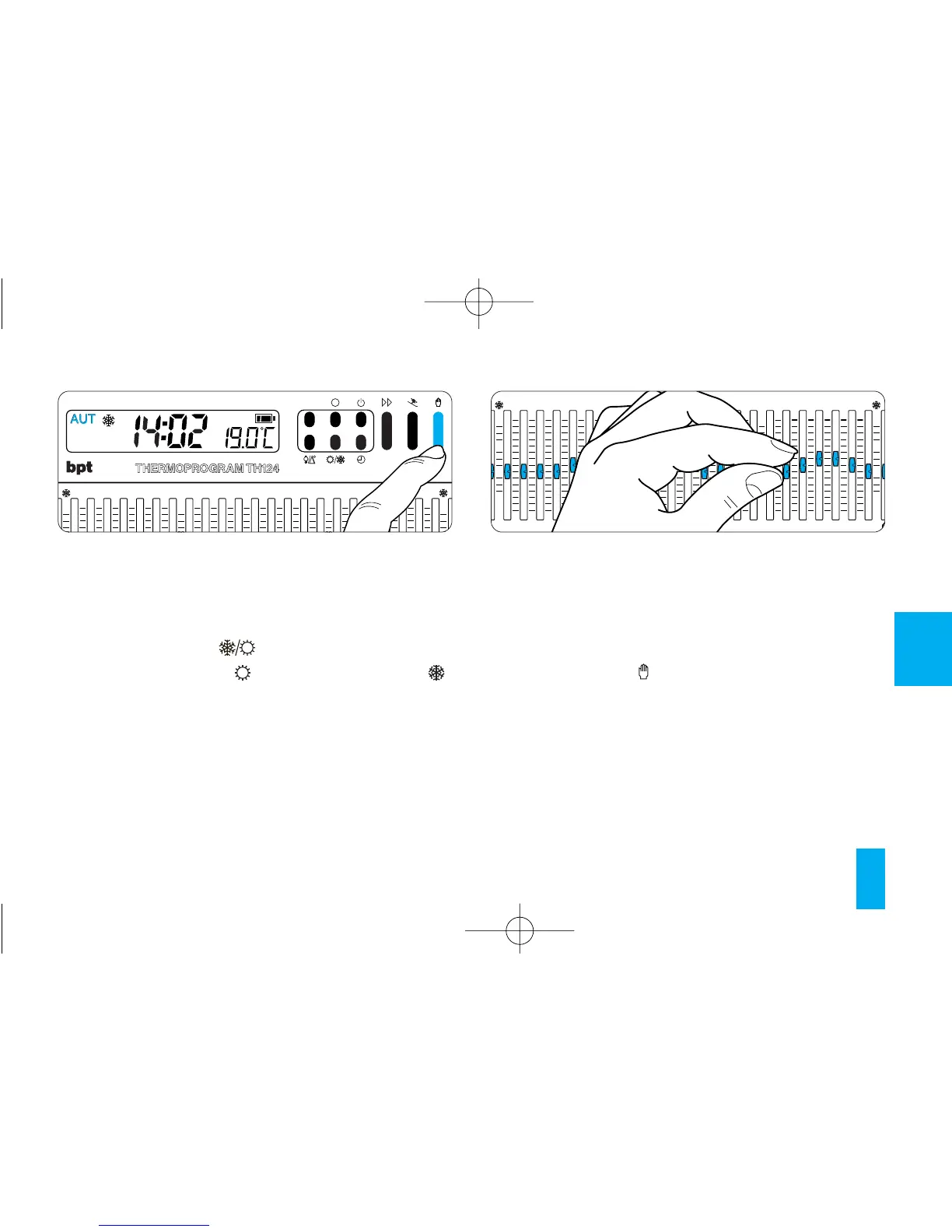
mode, press the button (fig. 21) to switch to
AUTOMATIC mode.
Move the cursors 0÷23 (fig. 22), positioning them
at the desired temperature for each hour of the
day.
Whenever a cursor is moved, the display gives
the temperature set by that cursor and its posi-
tion (fig. 23).
Fig. 21



 To Next Page