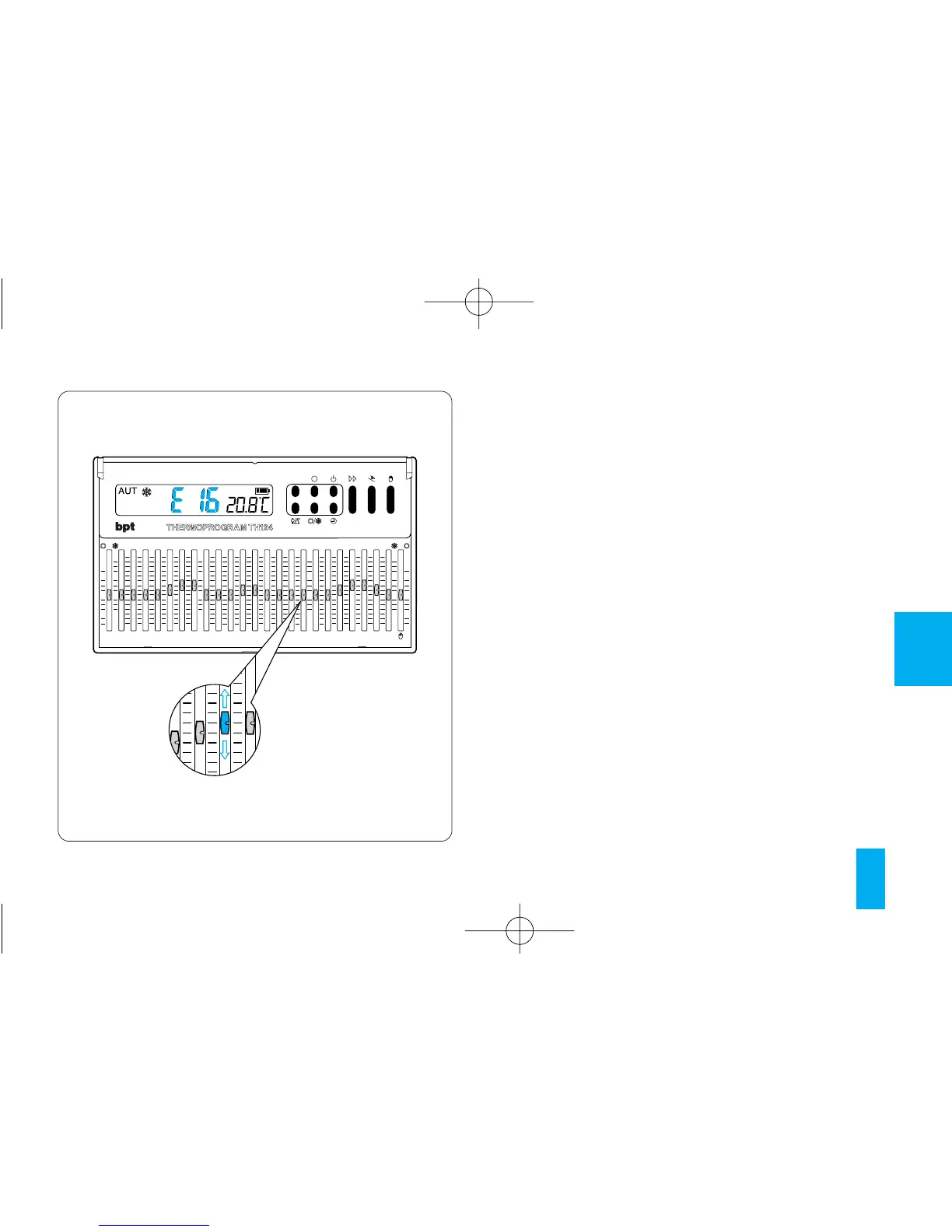
Fig. 51
15 - TROUBLESHOOTING
In the event the unit malfunctions, press the reset
button R.
This operation causes all settings to be lost,
though they can be restored following the
procedure described from chapter 4 onwards.
If the display gives a warning between E00÷E23
or E25 (manual cursor), it means that the rele-
vant cursor is positioned wrongly and must the-
refore be aligned properly with the required tem-
perature segment (fig. 51).
16 - TECHNICAL FEATURES
Unit for domestic and commercial use.
• Independently installed electronic device.
• LCD graphic display.
• Power supply: three LR6 1.5 V penlight AA
alkaline batteries.
• Battery runtime: over 1 year.



 To Next Page