19
GB
9 - HOLIDAY PROGRAM
In the event you want a set temperature for a few
hours or a few days (for example, to maintain a
comfortable temperature for longer when you
have unexpected guests, or when wanting a
frost-protection temperature while you are away
in winter), the HOLIDAY PROGRAM can be
activated in timed MANUAL mode. Once you
have set the desired time, the device starts a
countdown.
When it reaches zero, the unit switches from
MANUAL to AUTOMATIC mode, resuming the
set programme.
Programming in hours
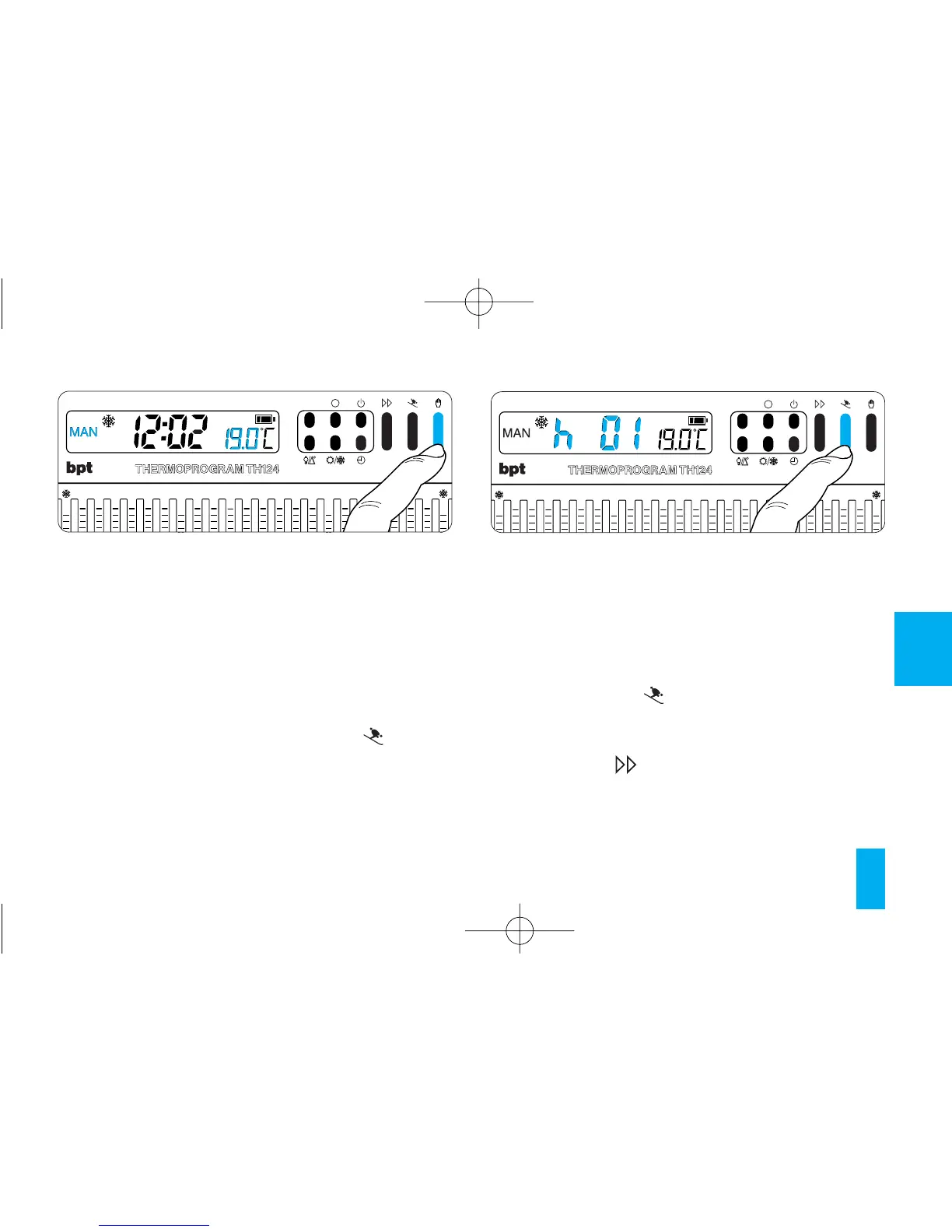
9.1 - Select MANUAL mode and set the desired
temperature (fig. 26).
9.2 - Press button (fig. 27).
The message h01 comes up on the display in
place of the current time.
9.3 - Press the button (fig. 28) until you reach
the desired number of hours, which can range
from 1 to 99.
The countdown of the hours also includes the
Fig. 26



 To Next Page