GB
22
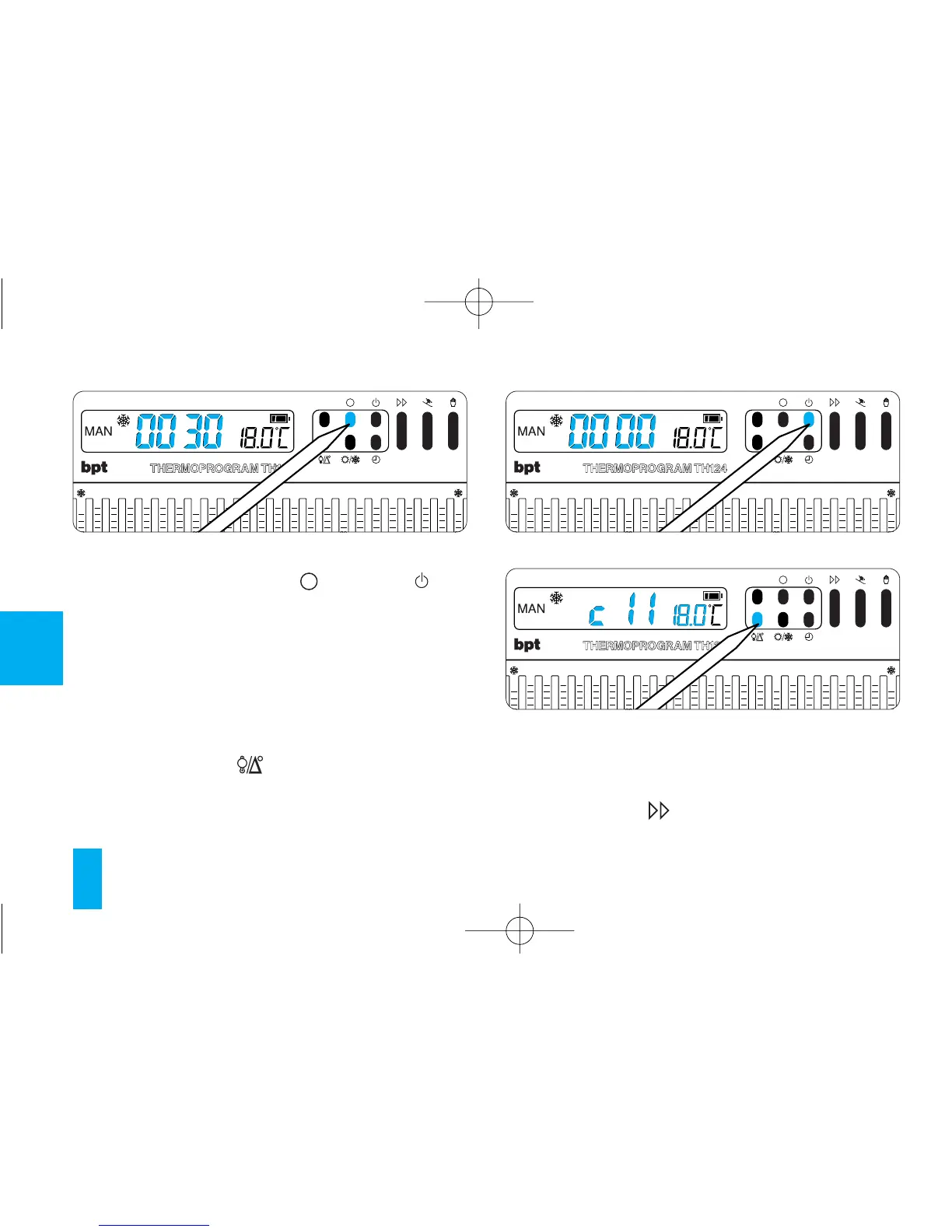
To zero the counter, press the button and but-
ton (fig. 34 and fig. 35) in succession (within 5 s).
After resetting, the hour-counter automatically
starts counting again.
11 - VIEWING
THE PROGAMMED TEMPERATURES
11.1 - Press button (fig. 36).
For 5 s, the display indicates the value of the
temperature set for the hour indicated.
For instance, if the clock gives a time of 11.45
and the relevant cursor (C11) is positioned on 20
°C, the display with read C11 20 °C.
11.2 - Press the button (fig. 37) to view the
temperature of the other cursors.
Fig. 34



 To Next Page