25
GB
Programming in days
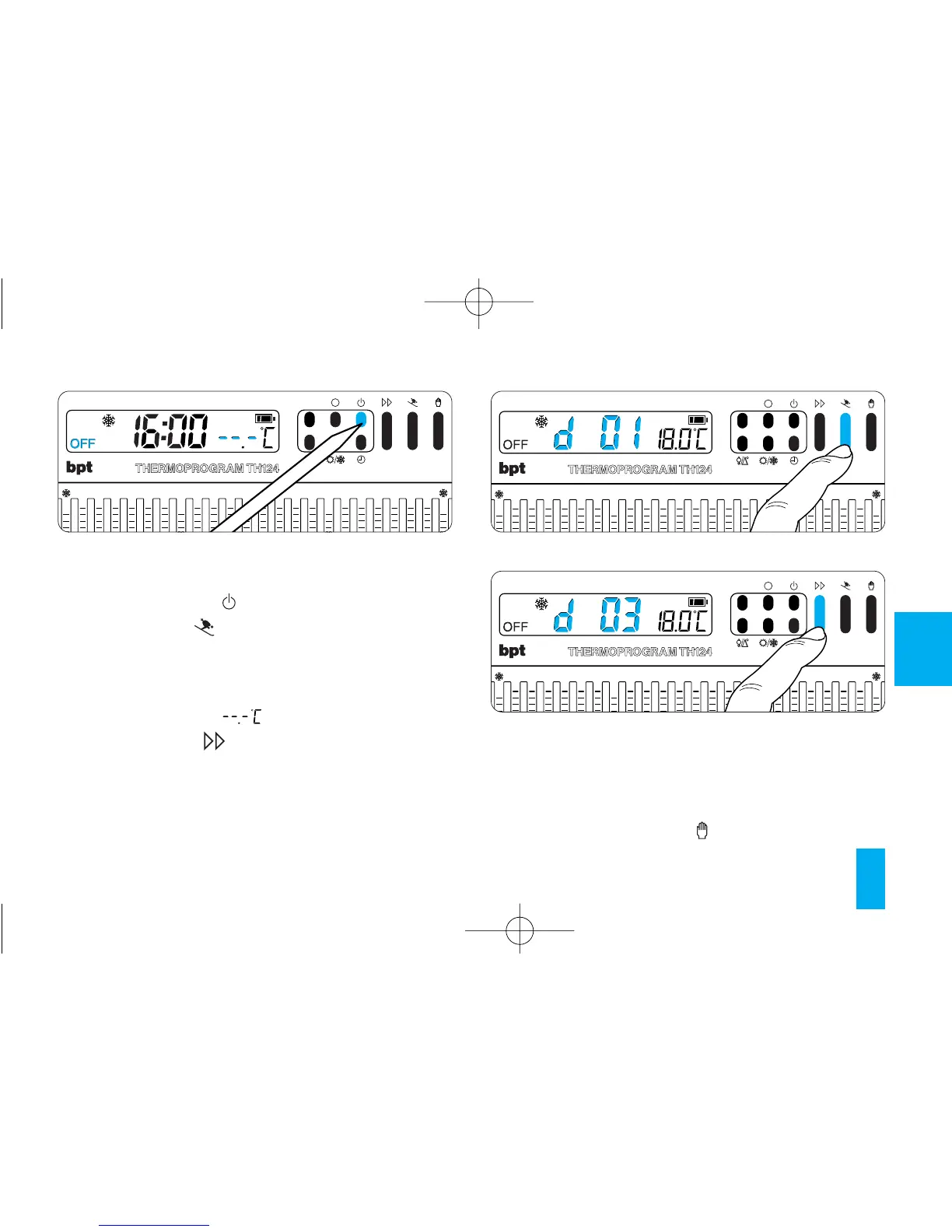
13.4 - Press button (fig. 42).
13.5 - Press the button (fig. 43) twice.
The message d01 comes up on the display in
place of the current time.
For 5 s, the room temperature reading disap-
pears, replaced by .
13.6 - Press the button (fig. 44) until you
reach the desired number of days, which can
range from 1 to 99.
The countdown of the days also includes the day
on which programming is carried out (hence, the
remainder of the day in which the setting is made
counts as a whole day).
Note. To return to AUTOMATIC mode before the
set time is up, press the button (fig. 45).
Fig. 42



 To Next Page