GB
6
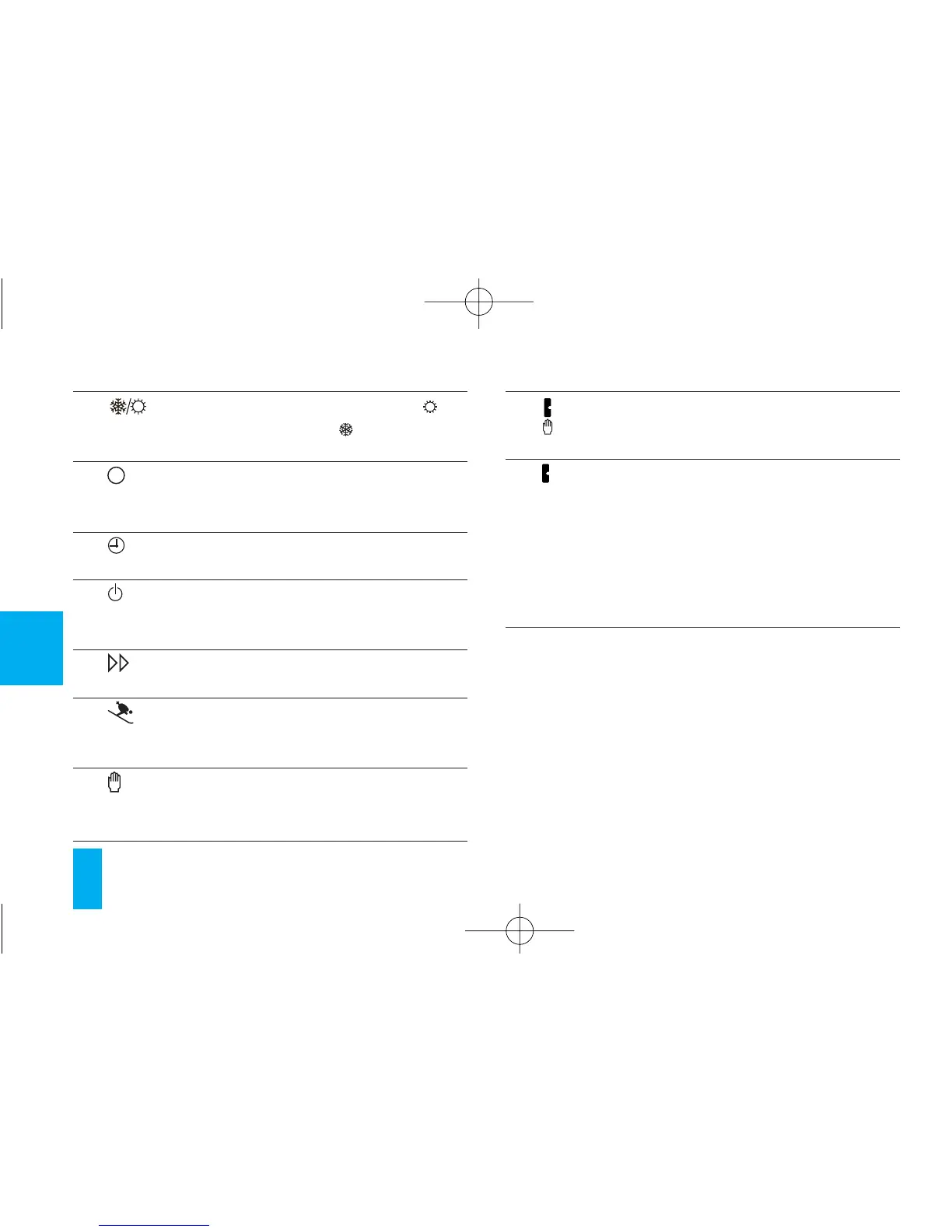
15 Button for selecting cooling ( ) or
heating program ( ).
16 Button for viewing the system run-
ning time.
17 Clock set button.
18 Button for switching off the system
and for zeroing the counter.
19 Advance button.
20 HOLIDAY PROGRAM selector but-
ton.
21 Button for selecting MANUAL or
AUTOMATIC thermostat mode.
22 Cursor for setting temperature in
MANUAL mode.
23 Cursor for setting hourly tempera-
tures in AUTOMATIC mode.
The color of the cursor indicates
the time bans when the
heating/cooling plant operates.
Red = comfort
Blue = energy-saving



 To Next Page