6
BMP®61 Quick Start Guide
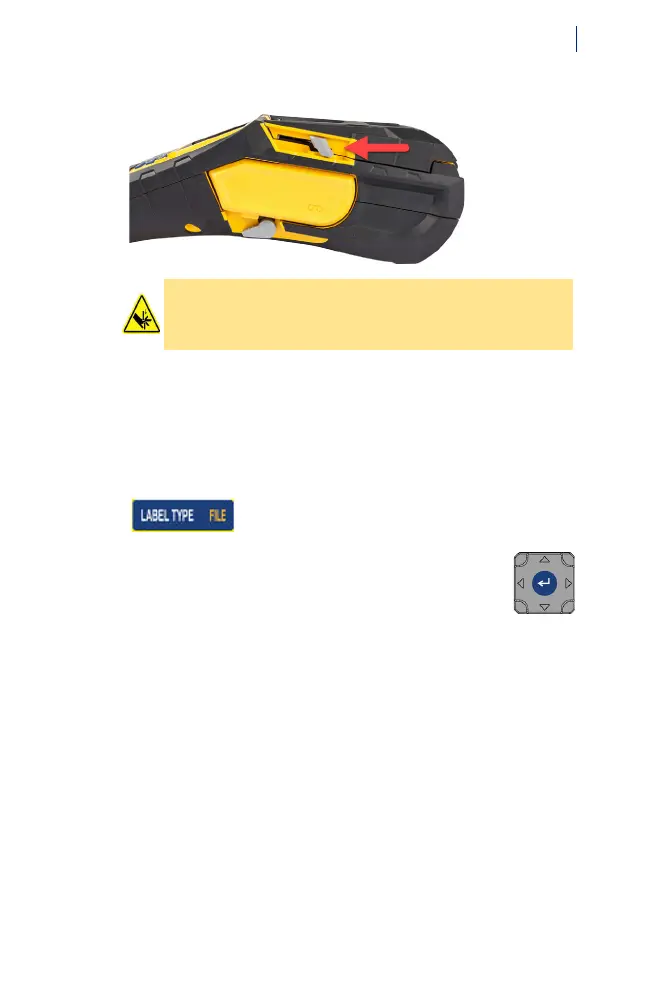
4. To cut the label, pull the cutter lever forward as far as it
will go.
Additional Label Types
Fifteen specialized types of labels are available, such as
wire marker, patch panel, and vial.
To access additional label types:
1. Press the Label Type button on the key pad.
2. Use the navigation key to highlight the desired
label type in the menu and press the enter key
in the center of the navigation key to select it.
For full instructions, see the User’s Manual
located on the USB drive.
CAUTION! Do not insert fingers near cutter. It
could pinch or cut.



 To Next Page