7
BMP®61 Quick Start Guide
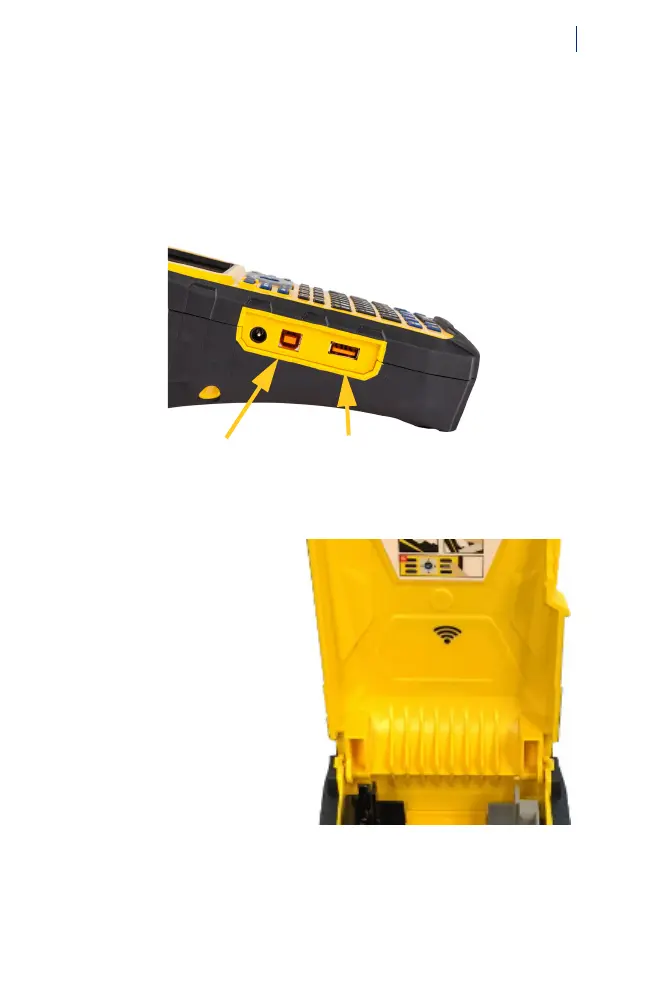
Connecting to a Computer or Mobile Device
You can also create labels with Brady Workstation desktop
software, Brady Express Labels mobile software, or third
party software with printer driver. To print labels from the
software, you must connect via USB cable, Wi-Fi® wireless
network, or Wi-Fi Direct.
See the User’s Manual for configuration instructions.
Wi-Fi Capability
Wi-Fi connection is
only available on the
printer model with
factory-installed Wi-Fi.
USB port for
cable connection
to a computer
USB port for files
on USB drive.



 To Next Page