1
BMP®61 Quick Start Guide
Getting Started (English)
Information in this guide is subject to change. For the most current
information, go to the website listed on the back cover and search for
BMP61.
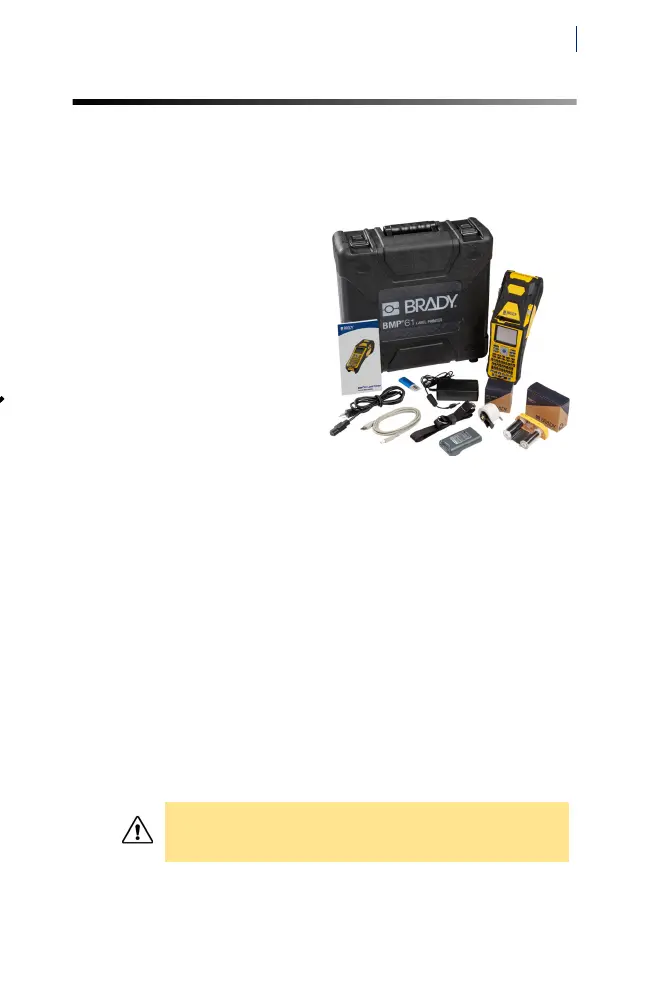
Contents of Box
• BMP®61 label printer
• Hard-sided carrying
case
• Battery pack
• Power adapter
•USB Cable
• M61-R6010 ribbon
• PTL-19-423 labels
• USB drive with product
information and printer
drivers
• Printed Quick Start Guide
• Utility strap
Safety
IMPORTANT: Before operating the printer, be sure to read
important safety information in the User’s Manual located
on the USB flash drive.
Setup
Apply Power
Plug the printer in to a power outlet using the included
power cord and adapter, and install the NiMH battery pack.
CAUTION! Do not use any AC adapter other
than the one provided with the printer.



 To Next Page