Device Types
21
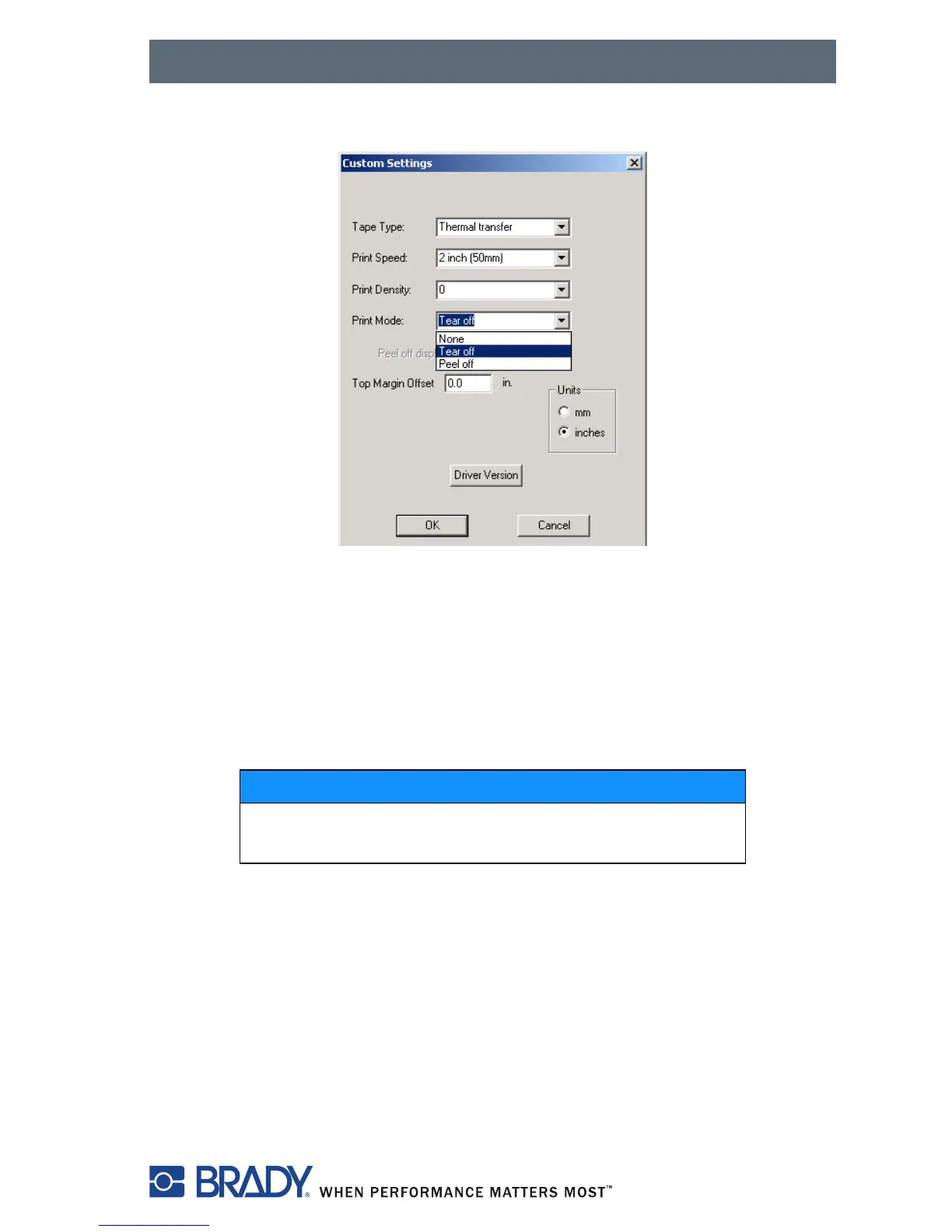
2. You can now choose the print mode: Tear-off, Peel-off (on or off) or none.
Figure 17, Custom Settings Dialog Box
Peel-Off Mode
The Brady IP Printer enables label output in Peel-off mode. In this mode, a
label is printed, separated from the liner and presented to the user. The
printer pauses until the label is removed. After the label is removed, the
printer prints the next label and the cycle continues.
Label stock is loaded as described in Feeding the Label — Peel-Off Mode on
page 28.
NOTICE
A sensor prevents further printing until the printed
label has been removed from the Peel-off position.



 To Next Page