Control Panel
38
Test
Overview
The printer is equipped with different test functions providing information
about:
■ The most important configuration parameters.
■ The fonts available in the printer.
■ The hardware components and connected peripheral devices.
■ The print image quality and state of the thermal printhead.
■ The function of label detection in conjunction with the optical properties of
the label medium.
■ The label data sent from the computer or memory card.
The test functions are found in the Test menu:
1. Press the menu key.
2. Select Test menu.
3. Switch to the test function level with the T key.
4. Select the desired test function with the X and W keys.
5. Start the selected test function with the
key.
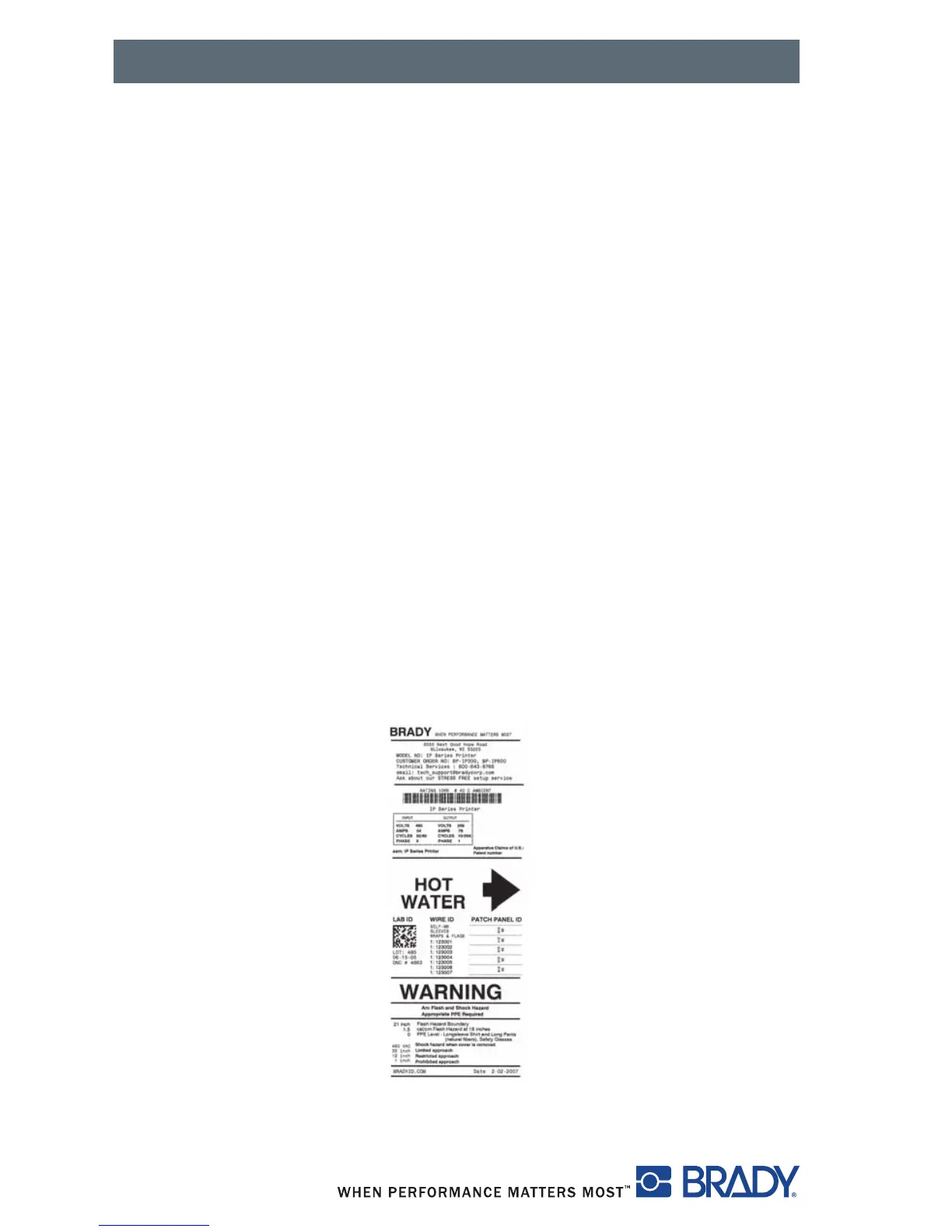
Figure 26, Sample Test Label



 To Next Page