Control Panel
41
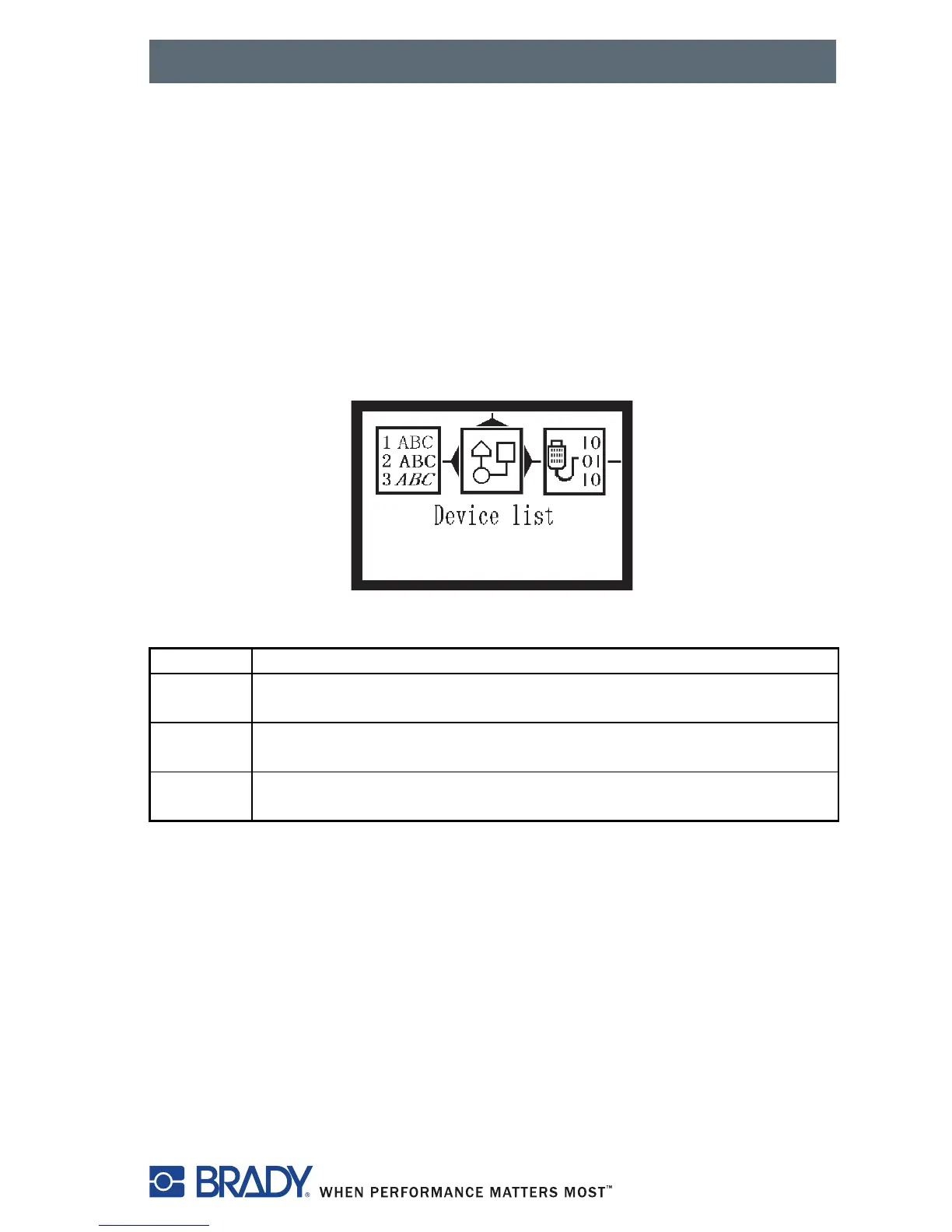
Device List
The Device list function prints out the most important information on
hardware components of the printer and connected devices.
NOTE: Continuous media is most suitable for this function.
1. Press the menu key.
2. Select Test > Device list menu.
3. Press the
key.
You can cancel the printout with the cancel key.
Figure 28, Device List
Name Information
CPU Type and serial number of the CPU PCB
Revision of CPU PCB and FPGA
TPH Resolution and heating point number of the installed thermal
printhead.
I/F [x] Type of interfaces installed
x: Number of interface



 To Next Page