7
Operating Your Thermostat
Setting the System Control Mode
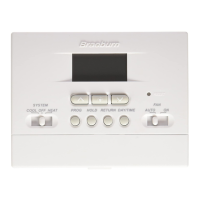
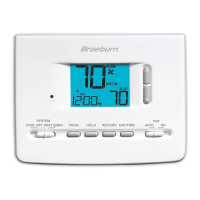
TheSystemControlhasseveralmodesof
operationthatcanbeselectedbymovingthe
SYSTEMswitchtotheappropriateposition.
COOL
Onlyyourcoolingsystemwilloperate
OFF Heatingandcoolingsystemsareoff
HEAT Onlyyourheatingsystemwilloperate
Additional Status Indicators (Model 2220NC Only):
EMER Operatesabackupheatsource(EmergencyHeat)forheatpump
systemsonly
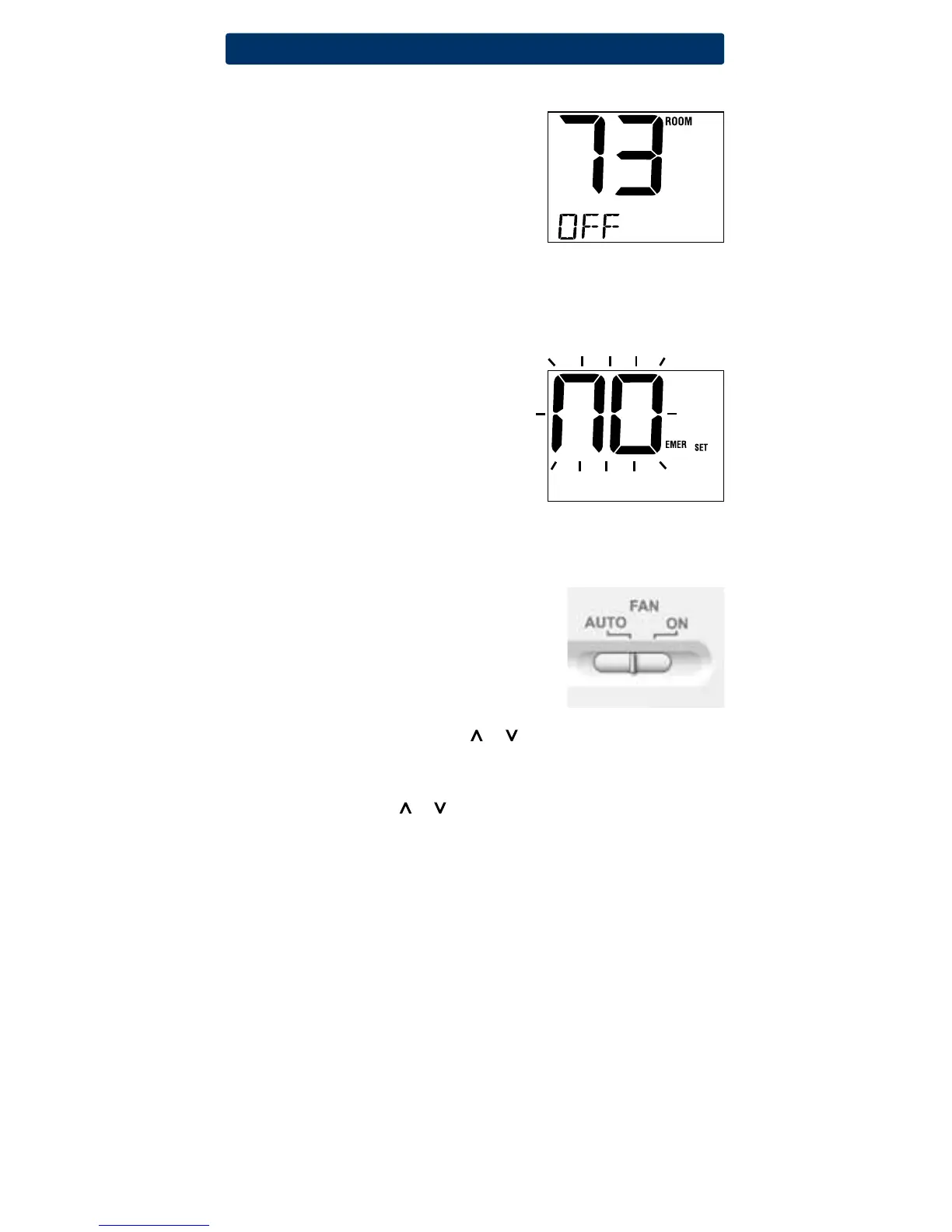
NOTE: If your model 2220NC was configured
for
a conventional system (CONV) then you will
not
have the EMER (emergency heat) option
and “NO EMER SET” will flash in the display if
EMER is selected with the system switch.
Setting the Fan Control Mode
TheFanControlhas2modesofoperation–AUTOandON.Themodecan
beselectedbymovingtheFANswitchtotheappropriateposition.
AUTO Thesystemfanwillrunonlywhenyour
heatingorcoolingsystemisrunning
ON Thesystemfanwillruncontinually
Temperature Adjustment
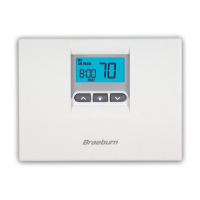
Temporary Adjustment–Presstheorbuttontoadjustthecurrent
setpointtemperature.
Extended Adjustment–PresstheHOLDbuttonsothatHOLDappearsin
thedisplayscreen.Pressortoadjustthecurrentsettemperature
(See“ExtendedHoldPeriod”,page8).
10



 To Next Page
 Loading...