CAP. 5 - GENERAL DESCRIPTION 26 / 73 ENGLISH
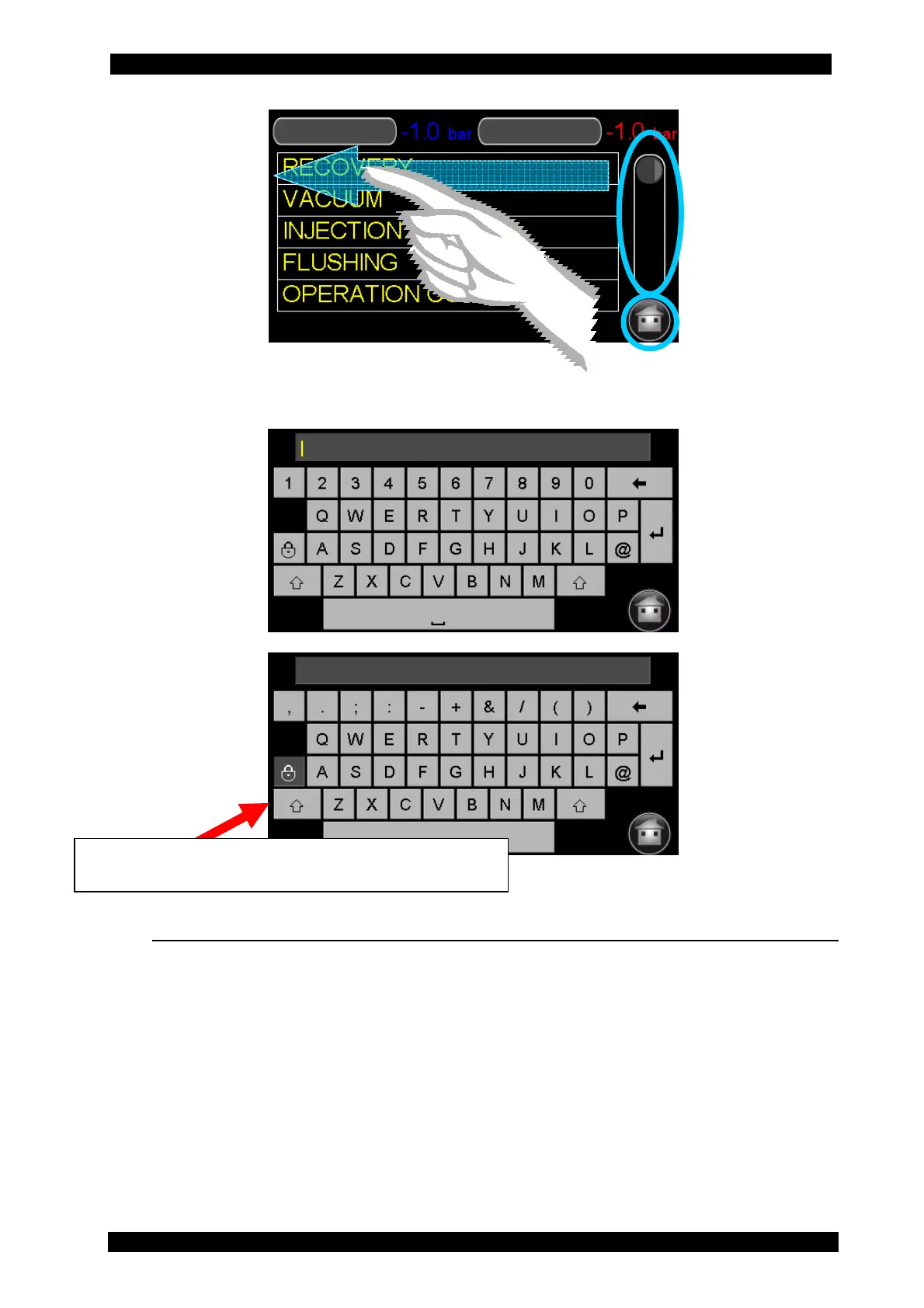
If you need to enter free text or identify a set of data, a keypad automatically appears (for
example, for entering workshop data or at the end of the service cycle).
5.9 STATUS BAR
The status bar is in the upper part of the screen. When the unit is switched on, the vessel pressure
(brown) is shown on the left and the residual gas weight in the vessel (green) on the right.
These indicators are always available on all the screen pages.


 To Next Page