ENGLISH 29 / 73 CAP. 5 - GENERAL DESCRIPTION
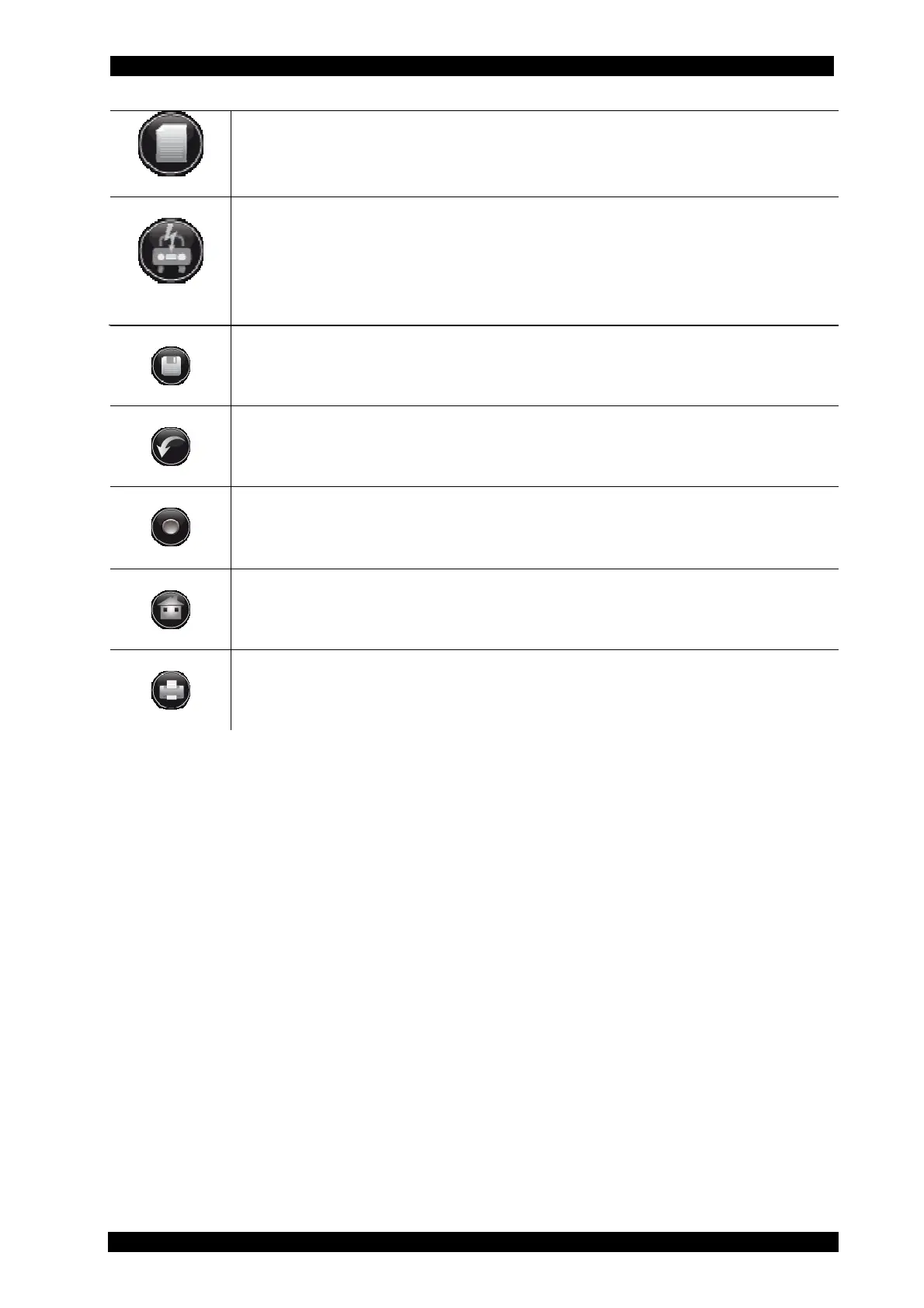
I
nfo
By pressing this key for at least 2 seconds, data relating to the selected vehicle
may be read, if the vehicle is included in the Autodata database.
Component
position
By pressing this key for at least 2 seconds, the A/C system composition of the
selected vehicle may be displayed, if the vehicle is included in the Autodata
database.
Save
Hold down for at least 2 seconds to save the data.
Value reset
Hold down for at least 2 seconds to cancel the values in the respective menu.
Start
By pressing this button, you can start the selected function or the complete
cycle.
Home
Hold down for at least 2 seconds to return to the previous screen.
Print
Hold down to print out the most recent service report.


 To Next Page