EasyManua.ls Logo

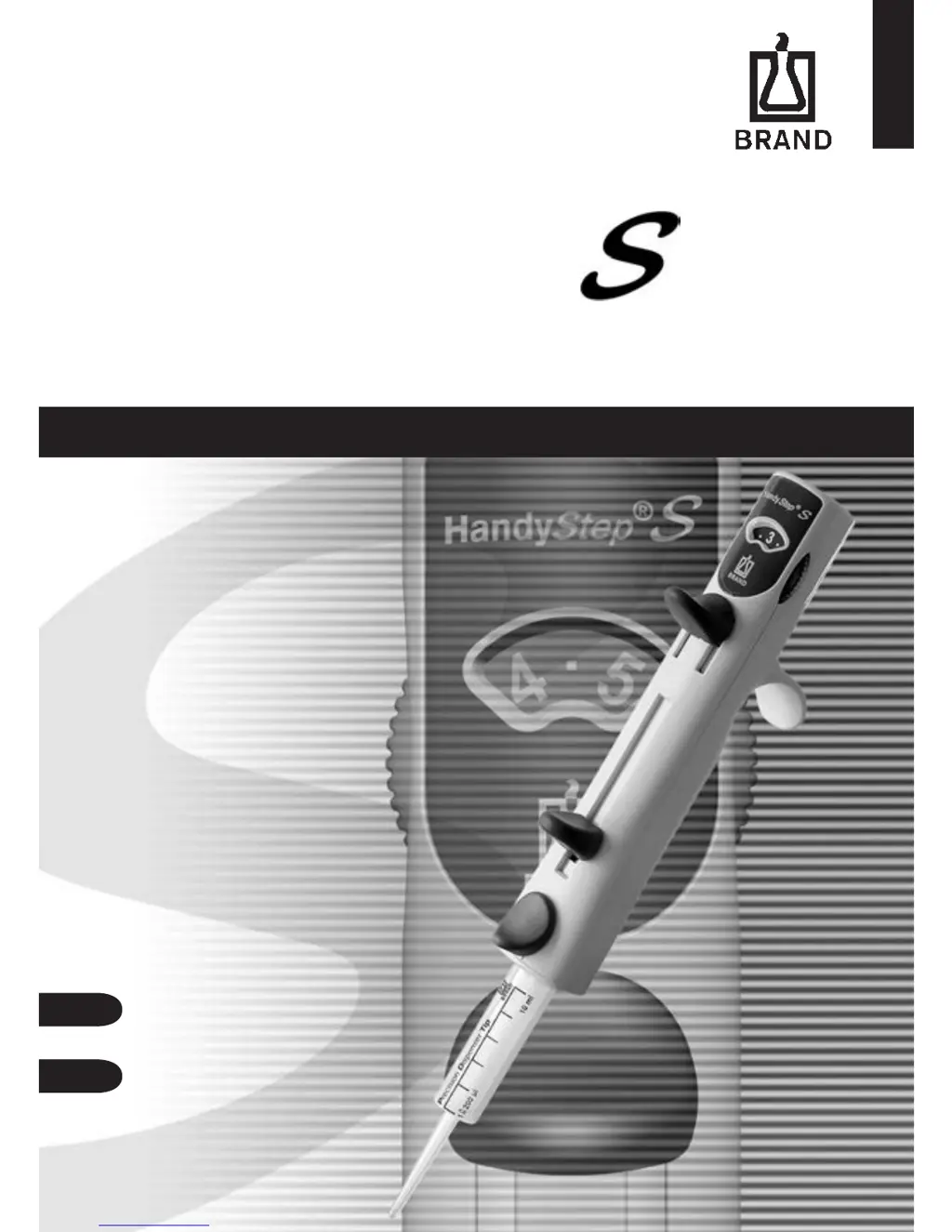
BRAND HandyStep S - User Manual

BRAND HandyStep S
44 pages
Print Icon
To Next Page IconTo Next Page
Loading...
FIRST CLASS·BRAND
移液设备 · 简单操作!
HandyStep
®
操作手册
Operating Manual
3
21

Questions and Answers

  • C
    carl80Sep 4, 2025
    What does it mean if A and/or CV exceed tolerances in BRAND HandyStep S Laboratory Equipment?
    • J
      Julie McguireSep 4, 2025
      If the A and/or CV exceed tolerances in your BRAND Laboratory Equipment, it indicates that the PD-Tip is leaking and needs to be replaced.
  • S
    Scott IbarraSep 18, 2025
    What causes a large air bubble beneath the PD-Tip piston in BRAND HandyStep S?
    • C
      castrorickySep 18, 2025
      If you observe the air bubble beneath the PD-Tip piston becoming larger in your BRAND Laboratory Equipment, it indicates a leaking PD-Tip. Replace the PD-Tip to resolve this issue.
  • L
    Luis AndersonSep 16, 2025
    What to do if the PD-Tip piston cannot be decoupled on my BRAND HandyStep S?
    • J
      jeffrey19Sep 16, 2025
      If the PD-Tip piston cannot be decoupled after emptying completely on your BRAND Laboratory Equipment, it might be due to improper insertion of the PD-Tip. Press the ejection key, push down the locking/ filling lever completely, and swing it out to resolve this.
  • E
    Eric BrownSep 14, 2025
    What to do if the dispensing volume is undefined on my BRAND HandyStep S Laboratory Equipment?
    • J
      jessica46Sep 14, 2025
      If the dispensing volume is not as expected with your BRAND Laboratory Equipment, make sure the stroke setting wheel is securely locked into place. An improperly engaged wheel can lead to undefined dispensing volumes.
  • M
    Mary OconnellSep 13, 2025
    What to do if the dispensing lever has not been pressed completely and with even pressure on BRAND HandyStep S?
    • J
      Jimmy CantrellSep 13, 2025
      If the dispensing lever has not been pressed completely and with even pressure, make sure to press the dispensing lever with even pressure to the stop position.
  • M
    Mr. James WilkinsSep 12, 2025
    What to do if the PD-Tip piston cannot be locked after inserting the PD-Tip in BRAND HandyStep S Laboratory Equipment?
    • A
      Amy FoxSep 12, 2025
      If the PD-Tip piston cannot be locked after inserting the PD-Tip, it could be because the filling/locking lever is not fully pushed down and swung out. First, press the ejector button and remove the PD-Tip. Then, push the filling/locking lever all the way down and swing it out completely.
  • E
    Erica WeaverSep 9, 2025
    What to do if there is an air bubble under the PD-Tip piston that is increasing in size in BRAND HandyStep S?
    • M
      Maureen RichardsSep 9, 2025
      If you notice an air bubble increasing in size under the PD-Tip piston, it indicates that the PD-Tip is leaking. You should replace the PD-Tip.
  • P
    Paul Mayo MDSep 7, 2025
    Why can't I decouple the PD-Tip after emptying completely in BRAND HandyStep S?
    • T
      Timothy MathisSep 7, 2025
      If you cannot decouple the PD-Tip after emptying, the PD-Tip may have been inserted incorrectly. Press the ejector button, then push the filling/locking lever all the way down and swing it out.
  • A
    Antonio RoseSep 5, 2025
    Why is the dispensing volume undefined in BRAND HandyStep S Laboratory Equipment?
    • D
      Debra PhillipsSep 5, 2025
      If you're getting an undefined dispensing volume from your BRAND Laboratory Equipment, make sure that the stroke setting dial is securely locked into place.
  • K
    Kimberly MartinezAug 21, 2025
    What to do if the PD-Tip cannot be decoupled after emptying completely in BRAND Laboratory Equipment?
    • A
      Amanda TaylorAug 21, 2025
      If the PD-Tip on your BRAND Laboratory Equipment cannot be decoupled after emptying, it might have been inserted incorrectly. Press the ejector button, then push the filling/locking lever all the way down and swing it out.

Summary

Safety Instructions

Function and Limitations of Use

Limitations of Use

Specifies operating limits for temperature, vapor pressure, and viscosity.

Operating Exclusions

Lists liquids incompatible with the instrument and materials.

Operating and Control Elements

Inserting the PD-Tip

Setting the Volume

Filling the PD-Tip

Aspirating Liquid

Describes the process of filling the PD-Tip with liquid.

Repetitive Dispensing

Dispensing Operation

Details the steps for performing repetitive dispensing.

Ejecting the PD-Tip

Operation

Outlines the procedure for ejecting the PD-Tip.

Checking the Volume

Preparation of the instrument

Instructions for preparing the instrument for volume testing.

Carry out the test

Step-by-step guide for performing the volume check.

Calculation (for nominal volume)

Formulas and definitions for calculating accuracy and variation.

Accuracy

Formula for calculating accuracy (A%).

Coefficient of Variation

Formula for calculating coefficient of variation (CV%).

Standard Deviation

Formula for calculating standard deviation (s).

Accuracy Table

Servicing Cleaning

UV sterilization

Information on UV sterilization for the instrument.

Ordering Information · Accessories

Troubleshooting

Repairs

Return for repair

Guidelines and procedures for returning the instrument for repair.

Contact addresses

Calibration Service

Warranty

Disposal

BRAND HandyStep S Specifications

General IconGeneral
BrandBRAND
ModelHandyStep S
CategoryLaboratory Equipment
LanguageEnglish

Related product manuals