250 - 450 Sonifier Chapter 4: Installation and Setup
User’s Manual Connecting and Removing Tips, Horns, and Convert-
ers
100-413-016 Rev. C 4 - 5
4.5 Connecting and Removing Tips, Horns, and
Converters
4.5.1 Connecting Horn to Converter
The 250/450 Sonifier horns have been torqued onto the converter at the factory.
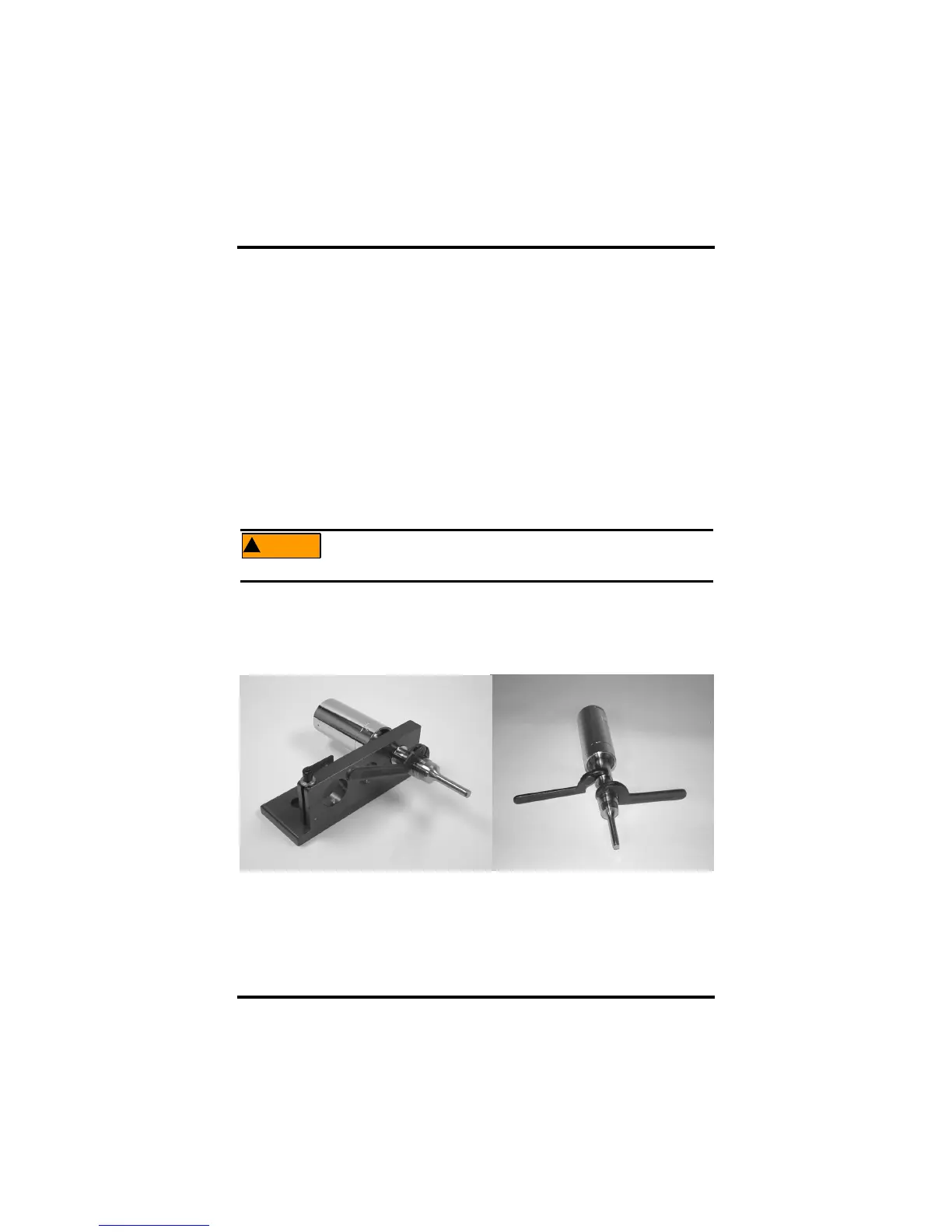
Should you need to change a horn or converter, use the spanner wrench provided.
NEVER attempt to remove a horn by holding the converter housing in a vise. If
necessary, secure the largest portion of the horn in a soft-jawed vise. When con-
necting a horn to the converter, use the following procedure:
1. Clean contacting surfaces of converter and horn, and remove all
foreign matter from threaded stud and threaded hole.
2. Use the Mylar washer provided, in between the converter and
required probe.
!
Do not apply grease to the threaded stud.
4.5.2 Connecting Tip to Horn
Figure 4.2 Methods for Connecting/Removing Horn from Converter



 To Next Page