PS1000/2000 User Instructions 11
3.5 Navigating the Weigh Mode
3.5.1 Power the Indicator
Turn the indicator on or off with the [ON/OFF] key.
3.5.2 Enter or Exit the HOLD Mode
Press the [HOLD] key.
3.5.3 Zero
When the weight is stable and within the zero range, press the [ZERO] key to set a new
zero point. Refer to Table 3.3 for zero limitations.
3.5.4 Tare
When the gross weight is larger than zero and the scale is stable, press the [TARE]
key. The indicator will show a net weight of zero and the arrow to the right of NET will
be illuminated. Refer to Table 3.3 for tare limitations.
3.5.5 Clear Tare Weight
Remove any weight on platform and wait until the scale is stable. Press the [TARE] key.
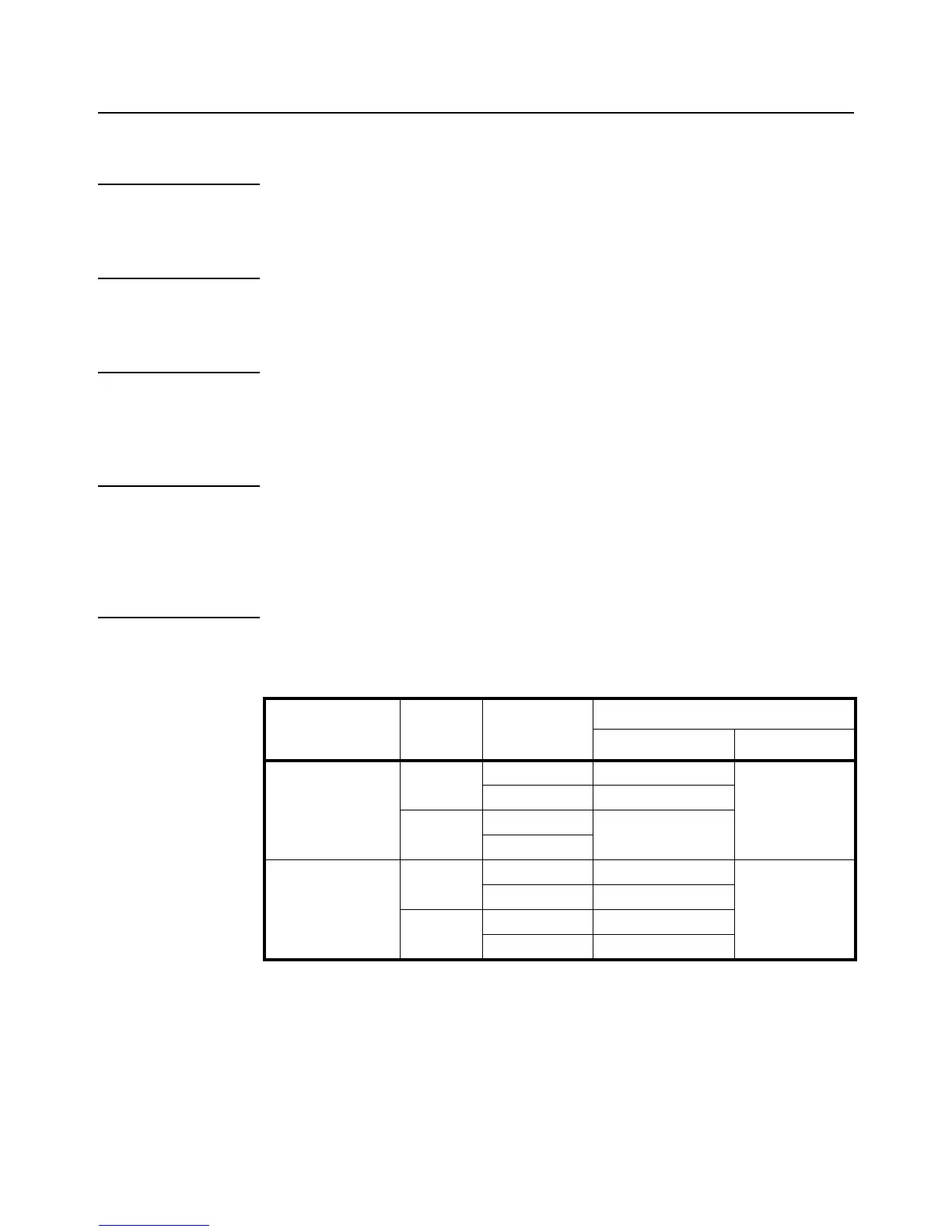
Table 3.3 Zero and Tare Limitations
Standard
Weight on
platform
Data in TARE
memory unit
key function
Tare key Zero key
USA ≤0 no No action Zero
yes Clear the tared weight
>0 no Tare
yes
Canada ≤0 no No action Zero
yes Clear the tared weight
>0 no Tare
yes No action



 To Next Page