12 PS1000/2000 User Instructions
3.5.6 Output Data (Print)
When scale is stable press the [PRINT] key.
3.5.7 Change Weight Unit
Press the [UNIT] key to select kg, lb or lb:oz. Note: under some conditions lb:oz is not
available. Please refer the following tables.
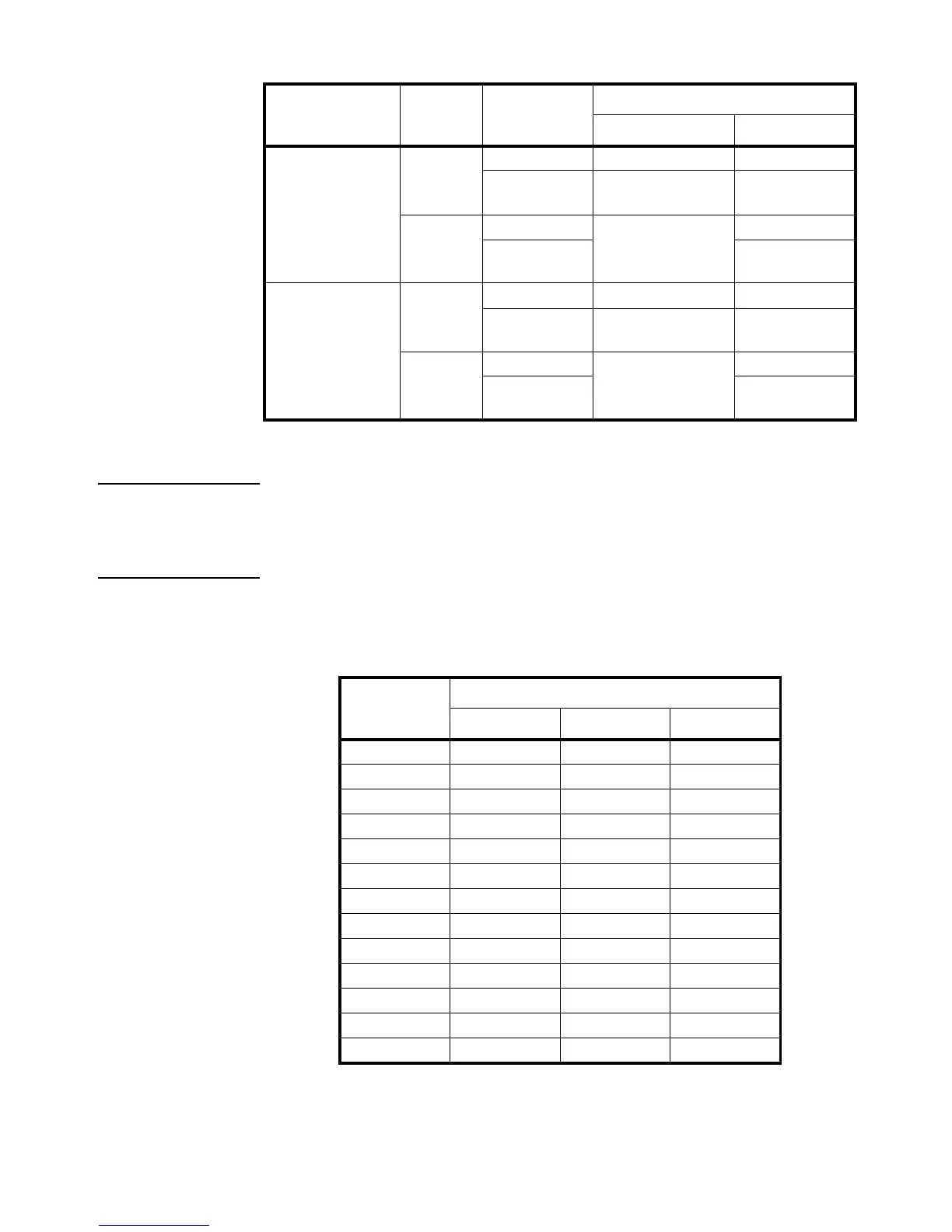
Table 3.4 Use kg as Primary Unit
Europe
≤0 no No action Zero
yes Clear the tared weight Zero and clear the
tared weight
>0 no Tare Zero
yes Zero and clear the
tared weight
None
(same with Europe)
≤0 no No action Zero
yes Clear the tared weight Zero and clear the
tared weight
>0 no Tare Zero
yes Zero and clear the
tared weight
Standard
Weight on
platform
Data in TARE
memory unit
key function
Tare key Zero key
Calibration
Division Value
Display Division Value
kg lb lb:oz
0.0001kg 0.0001kg 0.0002lb Not available
0.001kg 0.001kg 0.002lb Not available
0.01kg 0.01kg 0.02lb 0.5oz
0.1kg 0.1kg 0.2lb Not available
1kg 1kg 2lb Not available
10kg 10kg 20 lb Not available
0.0002kg 0.0002kg 0.0005 lb Not available
0.002kg 0.002kg 0.005 lb 0.1 oz
0.02kg 0.02kg 0.05 lb 1 oz
0.2kg 0.2kg 0.5 lb Not available
2kg 2kg 5 lb Not available
20kg 20kg 50 lb Not available
0.0005kg 0.0005kg 0.001 lb Not available



 To Next Page