43
English
EN
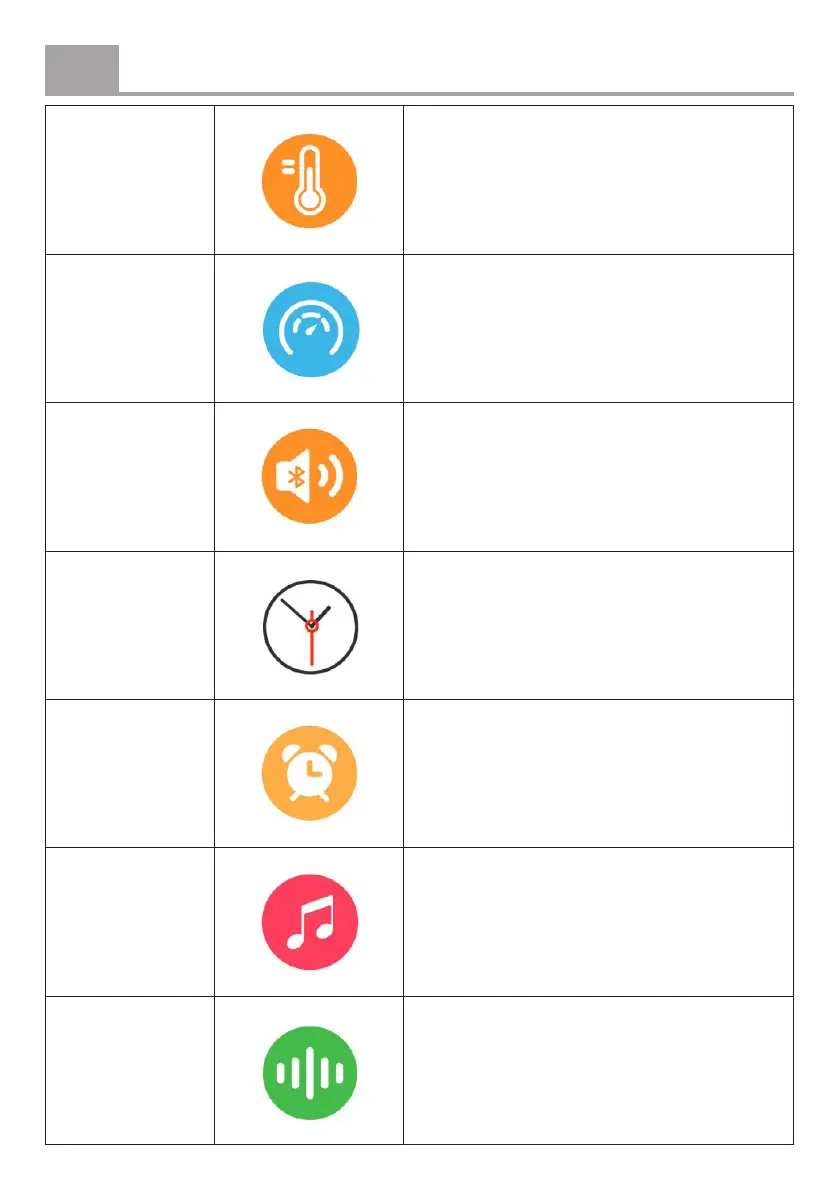
Temperature
For continuous monitoring, open the TUYA
app, add Temperature via Fitness Record
> Edit Card, and enable the feature under
Detection Settings > Temperature.
Stress Start a stress measurement.
Audio
Bluetooth®
Connect your phone’s audio via Bluetooth
for calls and use the device as a Bluetooth
speaker. Pair your phone manually for
the rst time, then simply enable Audio
Bluetooth® for automatic connection.
Watch face Change the main watch display.
Alarm clock
Set an alarm. The device will vibrate when
the alarm goes o.
Music control Play, pause, or skip tracks on your phone.
Voice assistant
Tap the microphone button to use the voice
assistant on your phone. This feature is only
available when Audio Bluetooth® is enabled.


 To Next Page