44
English
EN
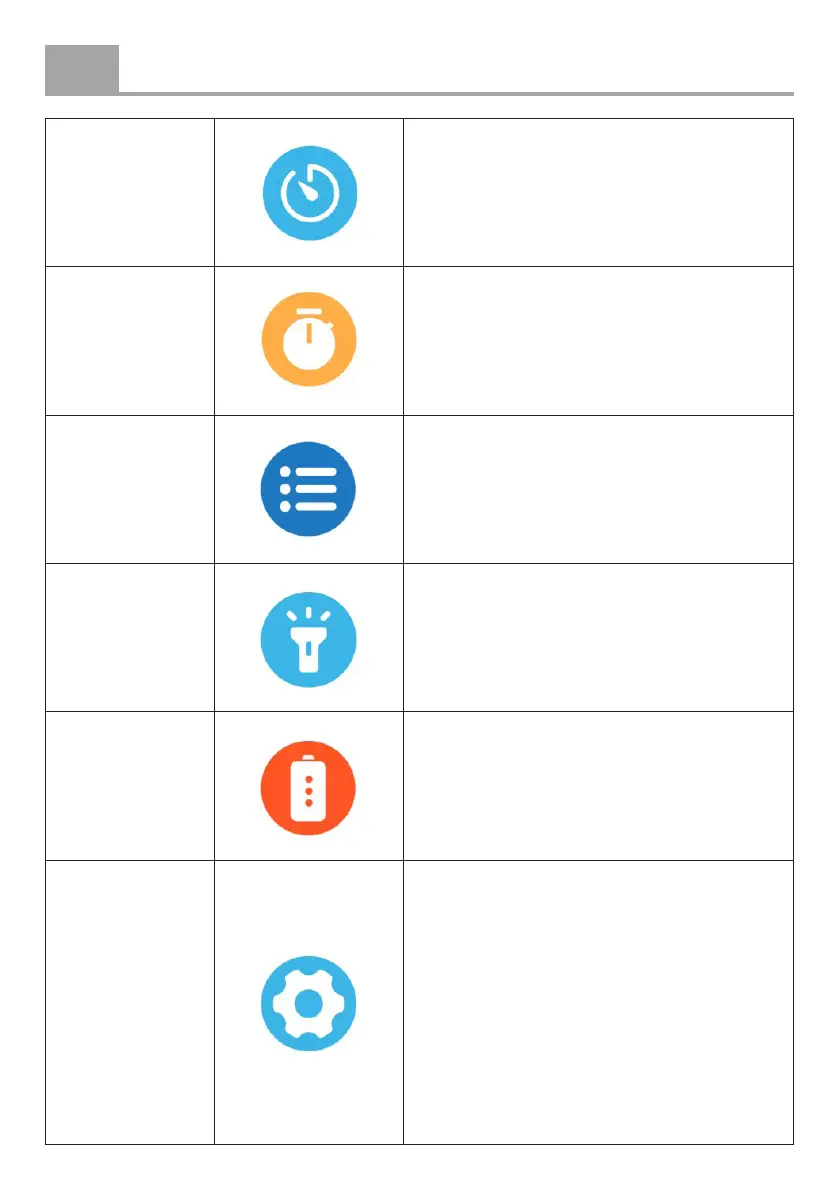
Countdown
Tap to activate a countdown timer. The
device will vibrate when the countdown
ends.
Stopwatch
Tap to start timing. Tap the pause button to
pause and the reset button to reset.
Menu display
Edit the menu display settings.
Flashlight
Activate the ashlight function. Press the
function button to turn it o.
Power saving
mode
Activate to display only the time (all other
functions will be disabled). Press and hold
the function button to exit this mode.
Settings
Access the following settings:
• Auto Detection
• Heart Rate
• Blood Oxygen
• Automatic Temperature Monitoring
• Automatic Blood Pressure Monitoring
• Wrist movement detection sensitivity
• Time format
• Info
• Power o
• Reset
• Help


 To Next Page