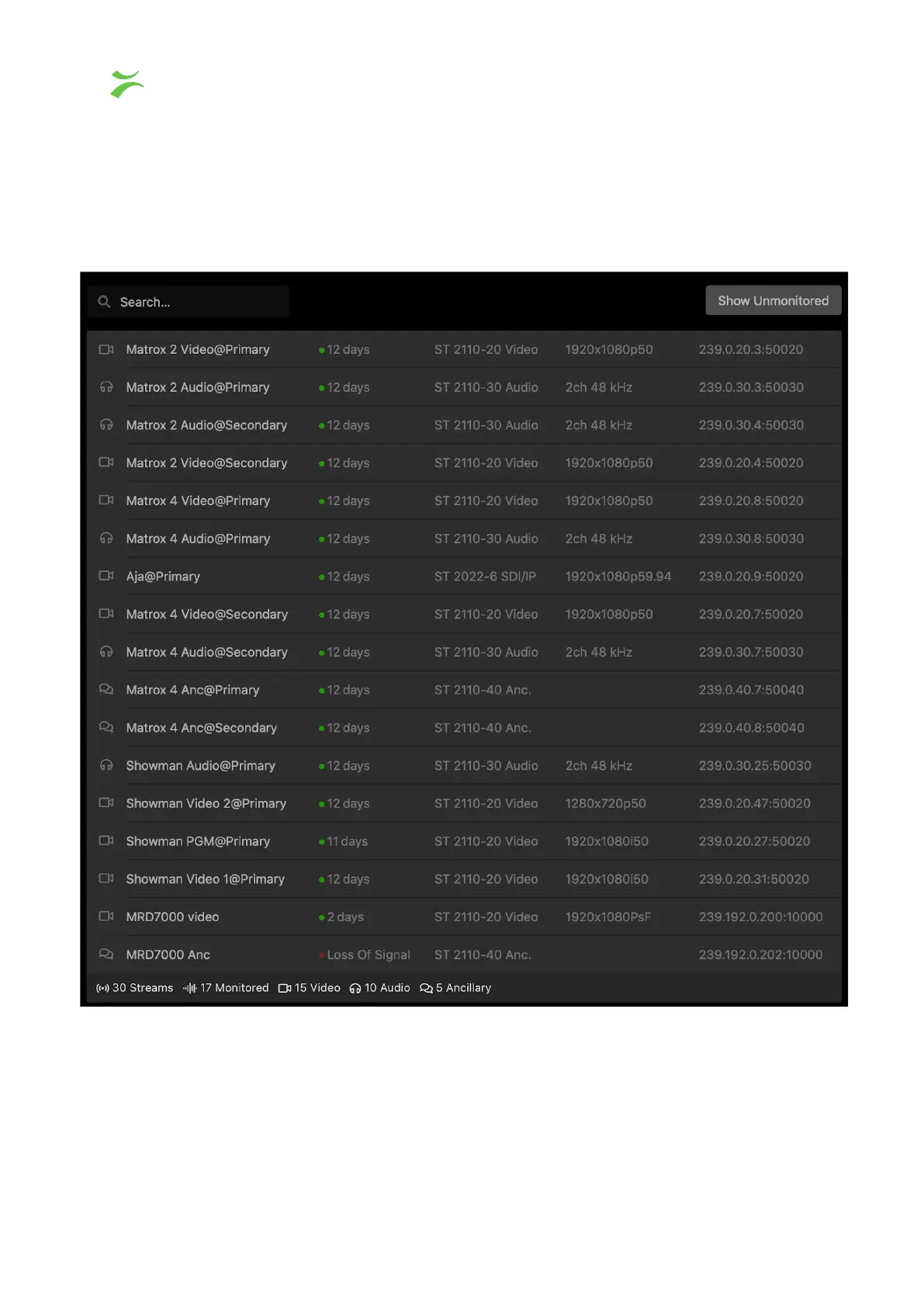
Flow View
To access the flow view, click the button with the signal symbol, a list containing all
monitored flows will be displayed as shown in the screenshot below.
To easily locate a specific flow, use the search box in the top left corner.
The icons to the left illustrate the type of flow you are looking at. The video camera indicates
a video flow, the headphones Audio and the speech bubble Ancillary. Each line consists of
16 VB440 Studio Probe User’s Manual v6.0 © Bridge Technologies Co AS



 To Next Page