an icon, the flow name, how long the signal has persisted, the transport stream standard,
metadata (resolution, number of channels, etc) and IP-address.
At the bottom part of the page you see the total number of configured flows, flows
monitored and the composition of Video, Audio and Anc flows. To include all configured
flows click on the button Show Unmonitored in the upper right corner.
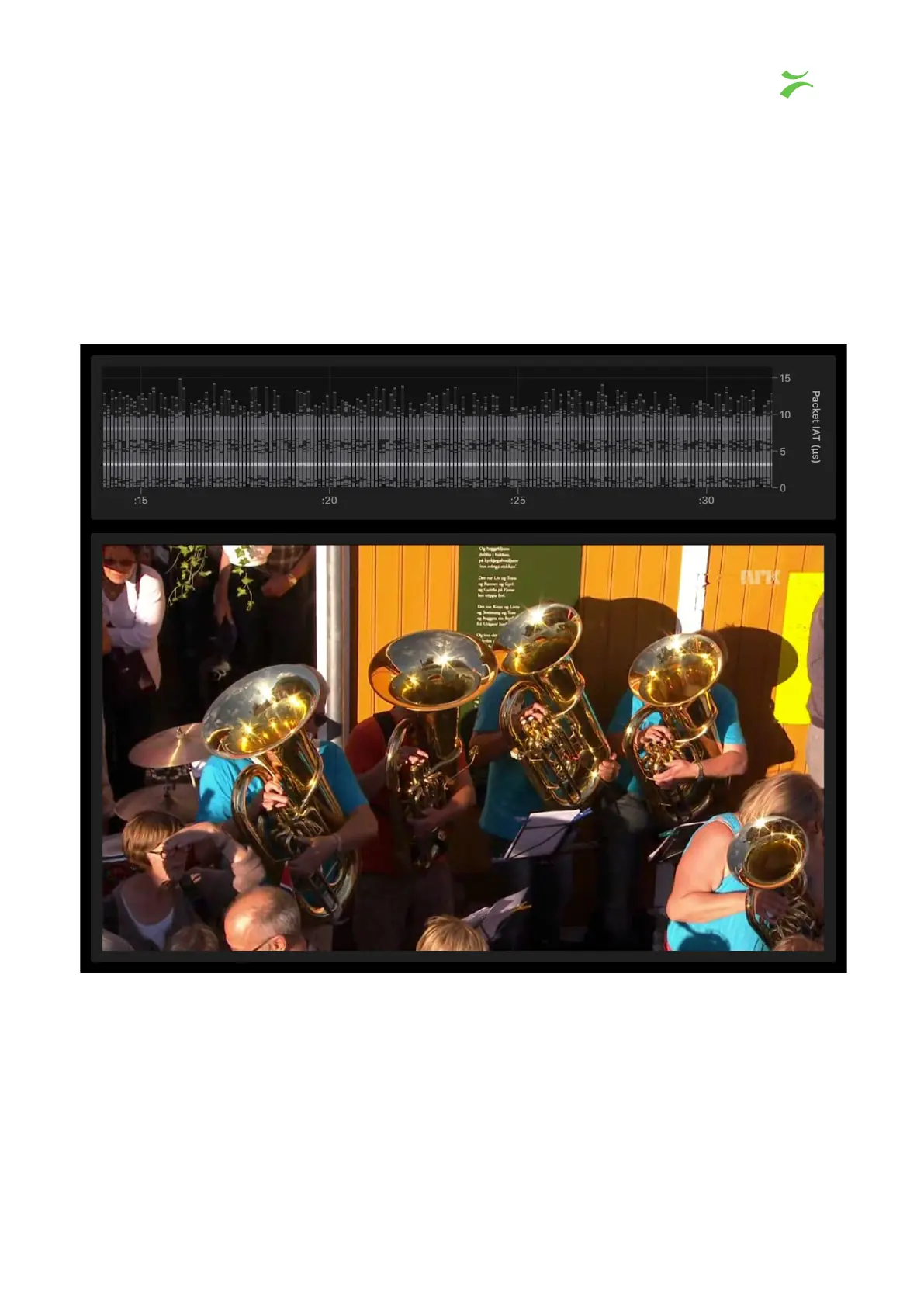
If you click on one of the flows a new window will open and display an IAT graph for that
flow, as shown below.
VB440 Studio Probe User’s Manual v6.0 © Bridge Technologies Co AS 17



 To Next Page