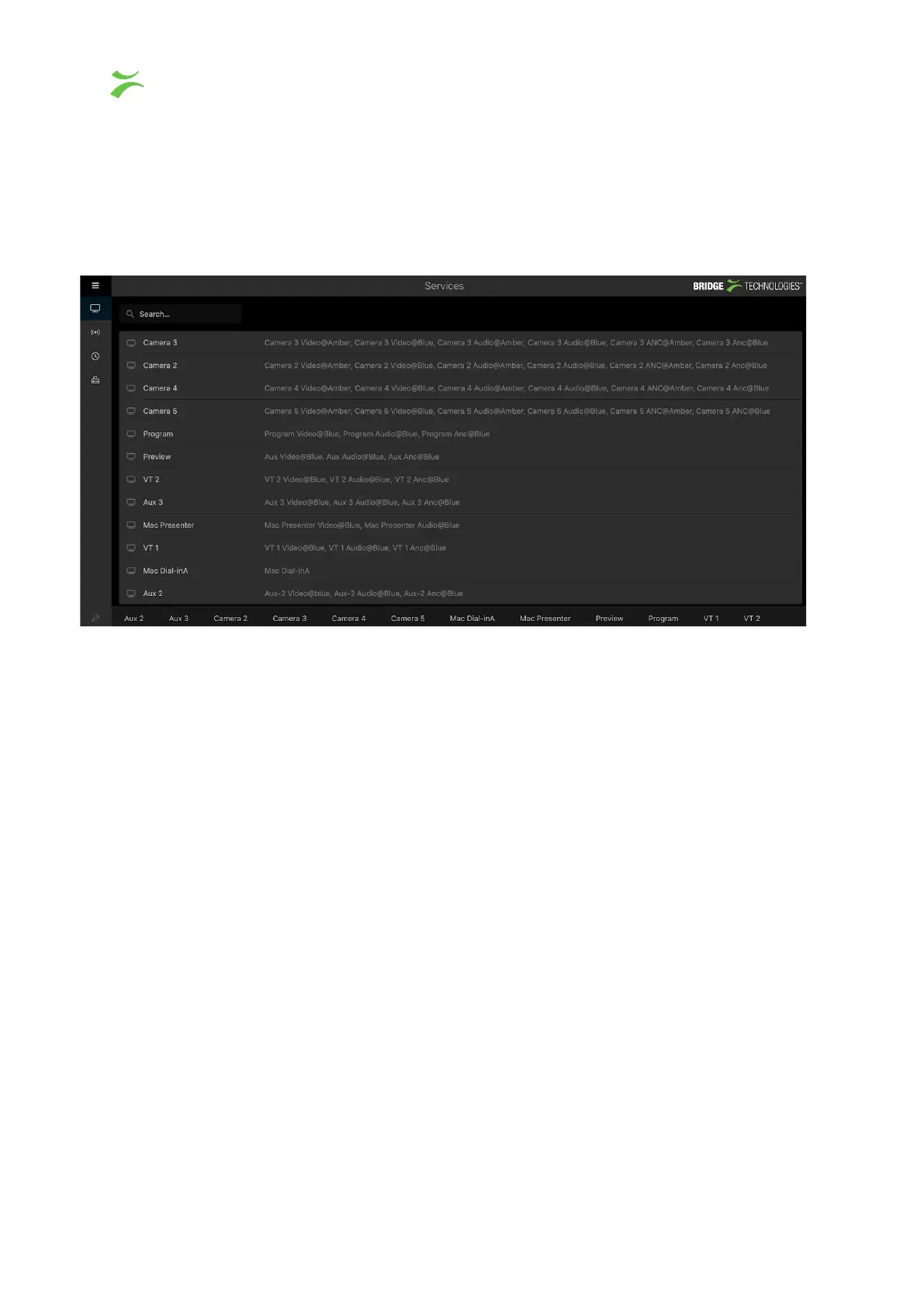
Service view
To access the service view, click the button displayed as a TV screen in the navigation
menu.
This view lists all configured services, the different flows associated with each service is
displayed on the right side of the service name. To access the detailed service view, click
directly on a service from the list, or select a service from the bottom of this view. Note the
search box in the top left corner to easily locate the preferred service.
20 VB440 Studio Probe User’s Manual v6.0 © Bridge Technologies Co AS



 To Next Page