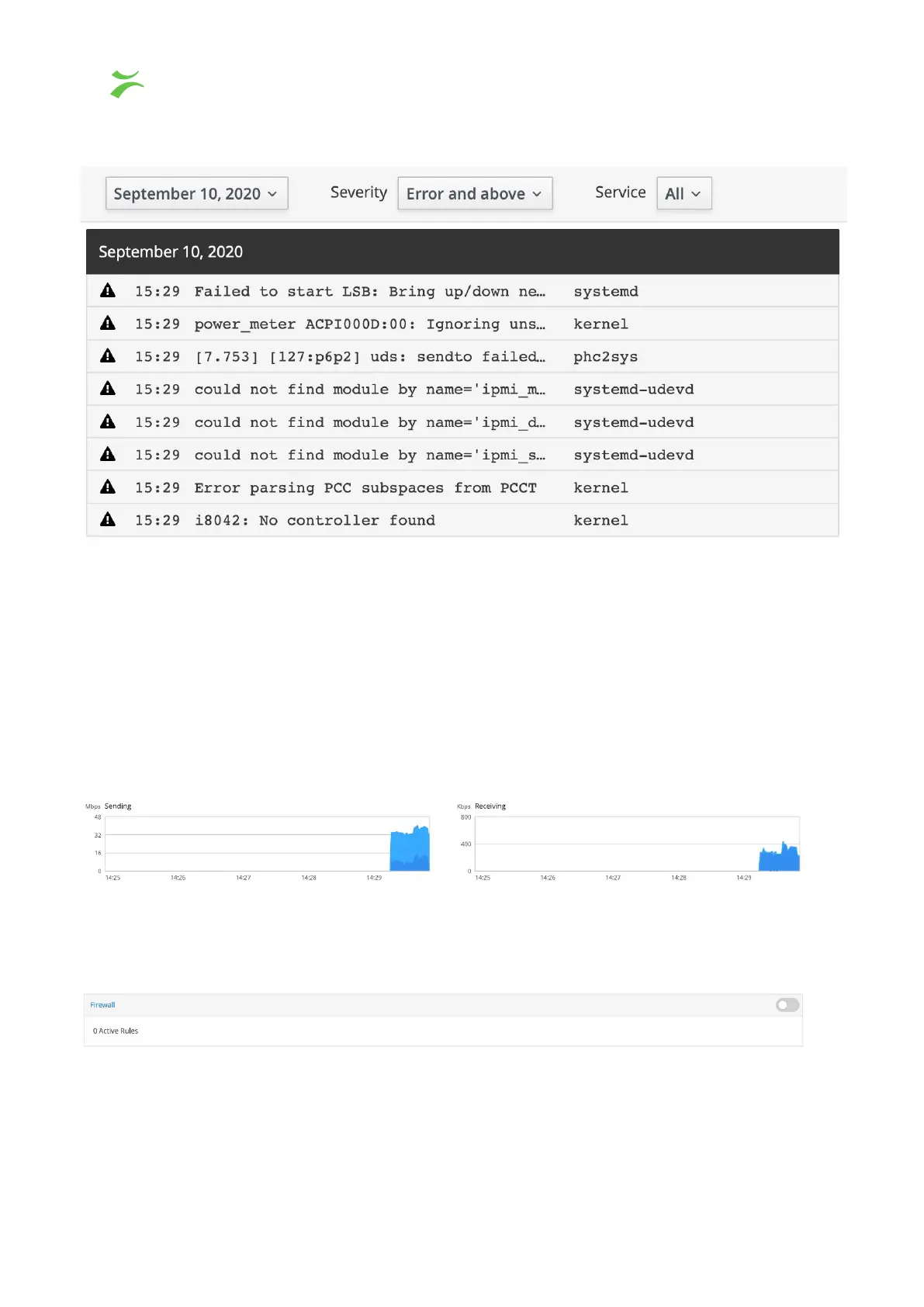
Logs
Shows the system logs, including errors, warnings, and notices. Typically used for
debugging. The log displays the newest entries first, with options to filter at the top of the
page.
Networking
At the top part of the page two performance graphs are displayed.
Firewall
NOTE, do not enable firewall without knowing how to configure the settings, you might lose
connection to the Probe!
40 VB440 Studio Probe User’s Manual v6.0 © Bridge Technologies Co AS



 To Next Page