14
7
PC Viewer Manager
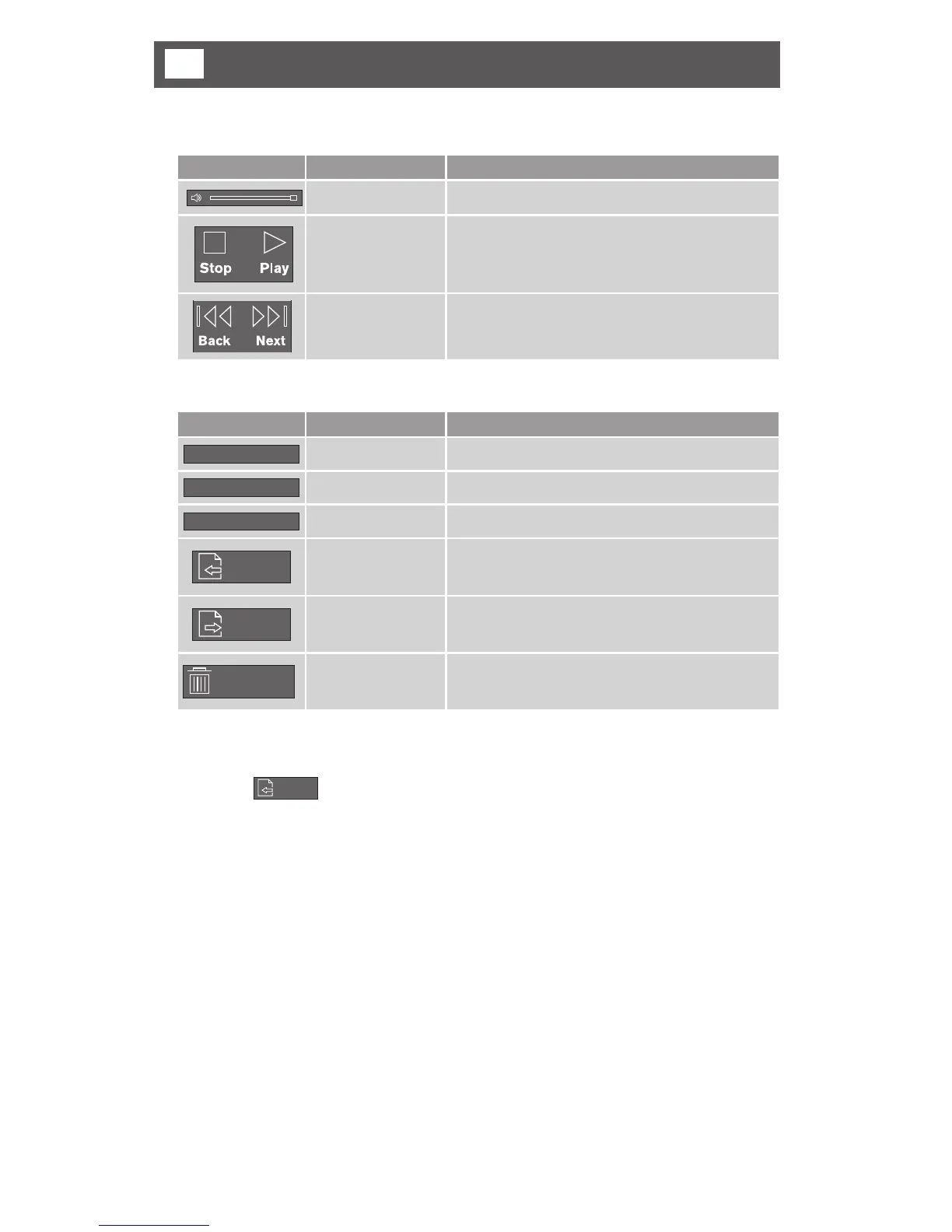
• Menu Button and Control
Button Function Description
Volume control Controls the play volume (Mute / Volume +,-)
Play/Pause Play or pause the playing file
Back/Next Play previous or next file
• Playback list button controls
Button Function Description
ALL
All Files Shows all files in the list
NORMAL
Normal Files Shows normal files only in the list
EVENT
Event Files Shows event files only in the list
OPEN
Open Folder Selects the folder to play
SAVE
File Save Save the selected file to hard disk drive
DELETE
File delete Delete the selected file from micro SD Card
1 Open folder
1) Click on
OPEN
button.
2) When the explorer appears, select the video files.
3) You can select one file or all files (CTRL+A).



 To Next Page