16
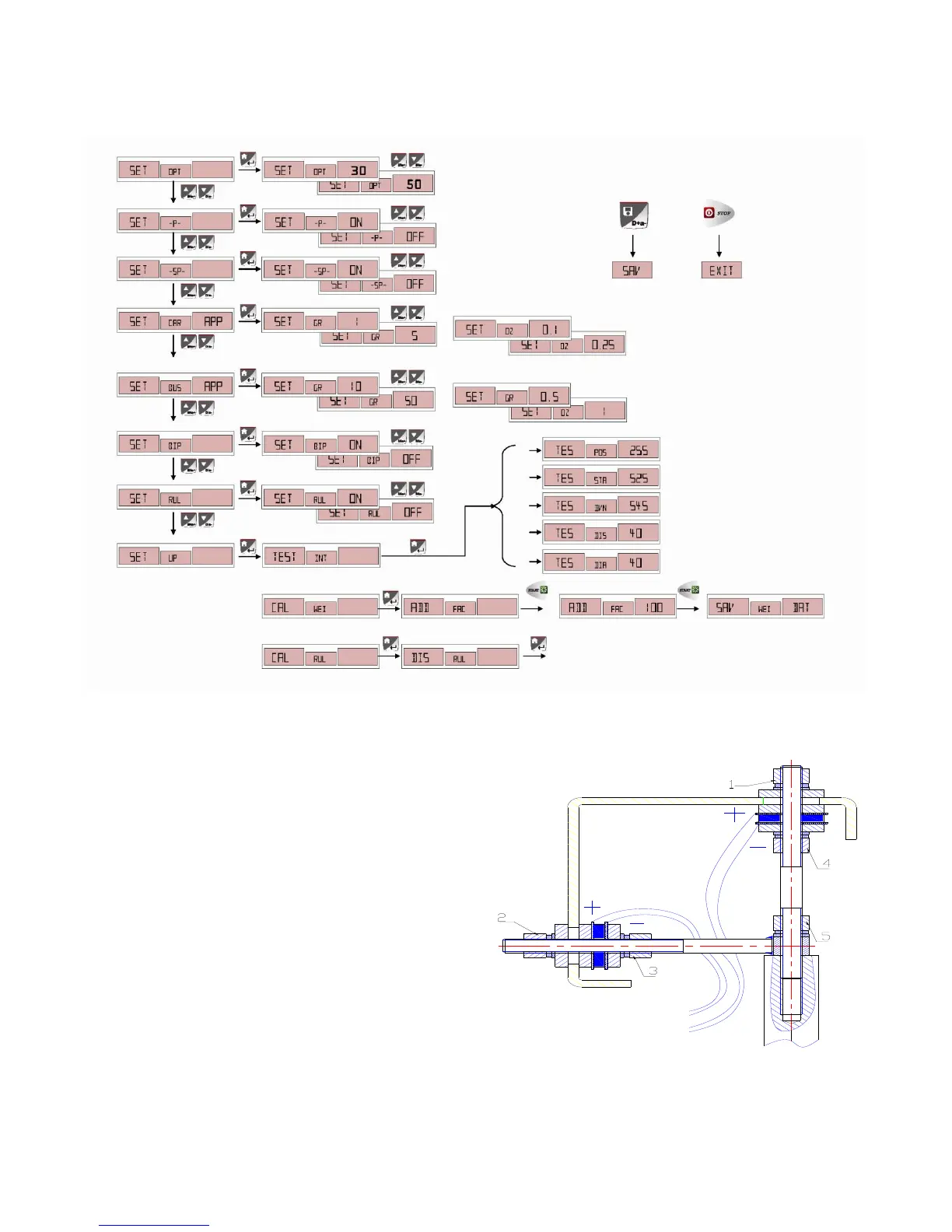
The above operation step vector diagram is as
follows:
7.2 ERROR INDICATION:
Attention:When change the computer board, the
phase sensor or the press sensor, you must execute
the self-calibration. When change the computer board,
you should setup the parameter according to the
parameter marked in the machine or on the original
computer board. Repeat the self-calibration after the
modification.
7.3 INSTALLATION AND WIRING OF THE PRESS
SENSOR



 To Next Page