2. Change the power board
3. Change the computer board
Balance is not
accurate & difficult
to reach ―00‖
1. sensor lead connect or contact no good
2. memory value lost
1.Connect again
2. Correct the memory value
according to the manual.
Each spin, the
change of the value
will not exceed 5g.
1. There are foreign body on the rim or the
assemble surface in the rim center deformation
2. sensor damp or quick nut not tightly clamped
3. The external power voltage or the air pressure
not enough. The flange dick not locked.
1. Change the wheel
2. Oven, recalibrate the sensor.
3. Fix the anchor bolt.
Each spin, the
range of the change
of value will be
20-90g.
1. There are foreign bodies on the wheel or the
unbalance of the wheel value too big.
2. sensor damage
3. external power source voltage too low
1. Change the wheel
2. Check the sensor and wiring.
3. Check power source and
assemble stabilizer.
Balance is not
accurate & difficult
to reach ―00‖
1. Sensor damp or damage
2. Program chore
1. Calibrate again,oven and then
self-calibration or change.
2. Self-calibration again
When second
mount & demount,
the error will exceed
10g.
1. Wheel internal hole irregular
2. Flange disk assemble not properly
1. Change the wheel
2. Check the assemble surface
and try again.
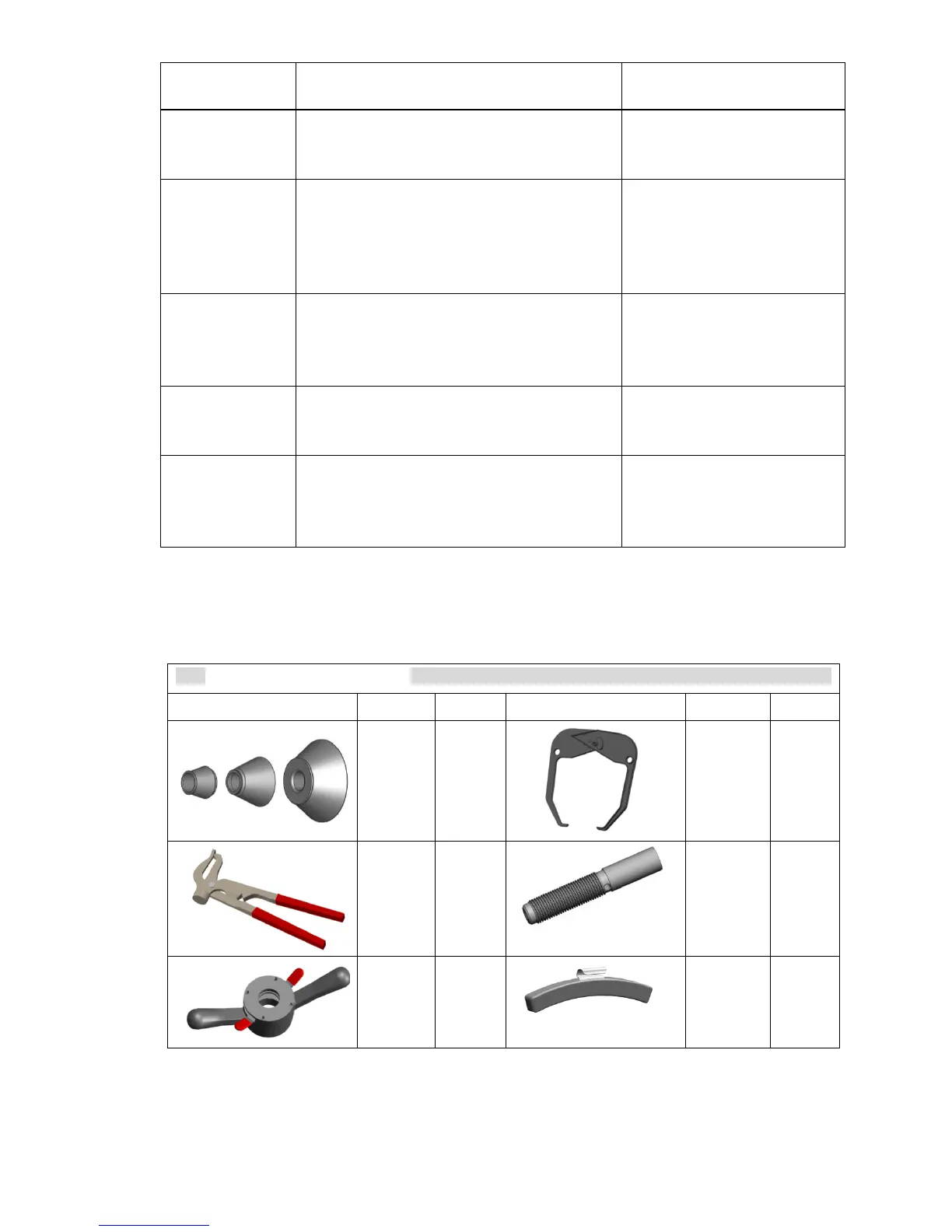
7.5 ACCESSORIES OF THE WHEEL BALANCER



 To Next Page