3
- Any unauthorized changes or modifications made to
the machine automatically release the manufacturer
from any liability in the case of damage or accidents
resulting from such changes or modifications.
Meaning of the decals (including the one indicating
caution)
Lightning symbol This decal, positioned
on the back of the machine, indicates
where to insert the power supply cable
and warns the user to pay attention to
his safety.
Warning for rotating machine part This
decal, positioned next to the balancing
shaft, reminds the user that this is a
rotating part and is
therefore dangerous and should not be
touched with the hands. The arrow
indicates the rotation direction.
Grounding symbol This decal, positioned
on the back of the machine, indicates
where to insert the power supply cable and
warns the user to pay attention to his
safety
2. INSTALLATION & OPERATION
Before installation and use of the wheel balancer, you
should carefully read this installation and operation
manual. The manual should be kept for future
reference. Operators should be familiar with this
instruction manual to ensure correct operation and
safety.
ATTENTION:
WEAR PROTECTIVE GLOVE
READ OPERATION MANUAL
WEAR PROTECTIVE GLASSES
POWER OFF THE ELECTRICAL
SOURCE OF THE MACHINE
DURING MAINTANCE
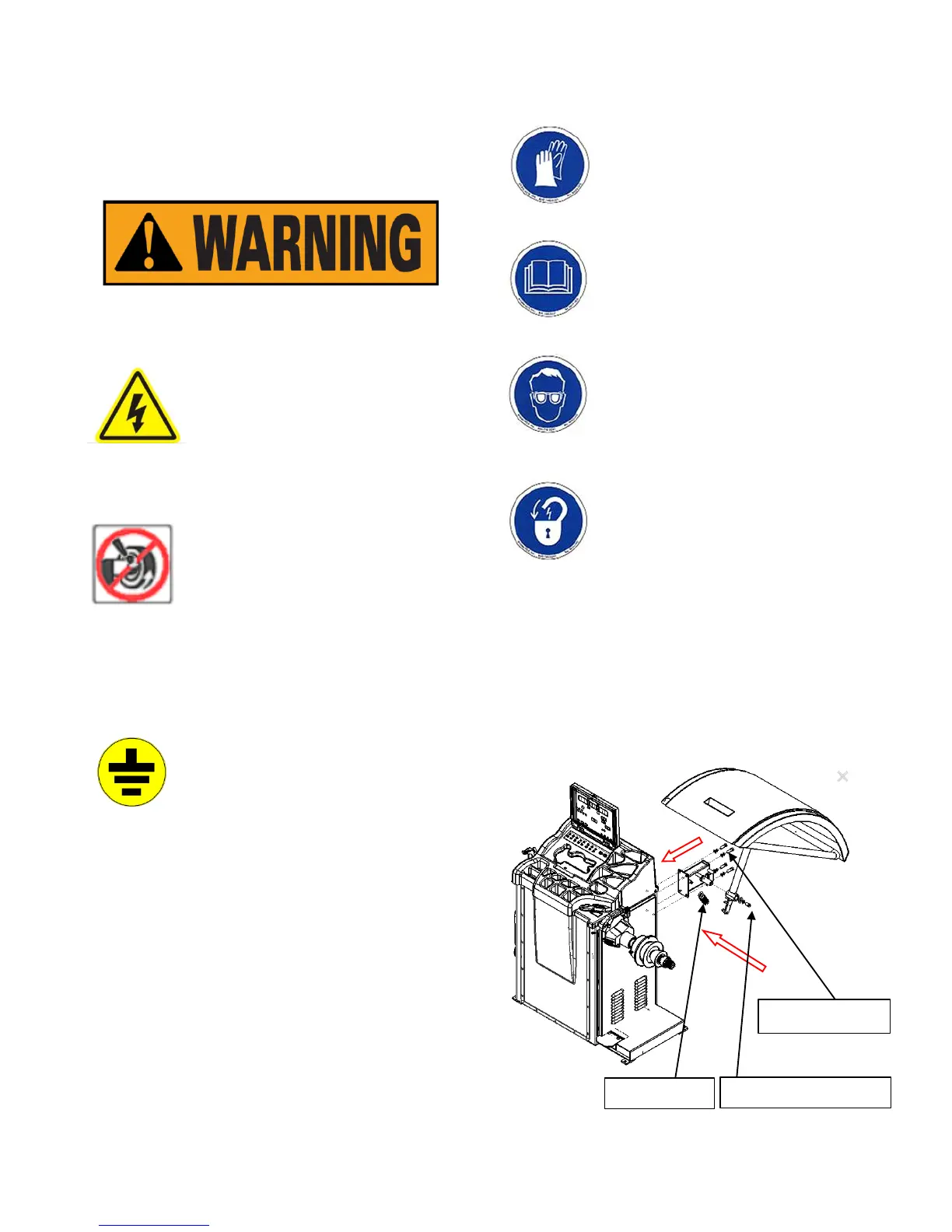
2.1 PROTECTIVE COVER INSTALLATION
Before operating the machine, please connect the
protective hood by following the indication
Of the Fig1 if you need to install the protective hood.



 To Next Page