8
•
•
•
•
•
•
5 Turn on the power.
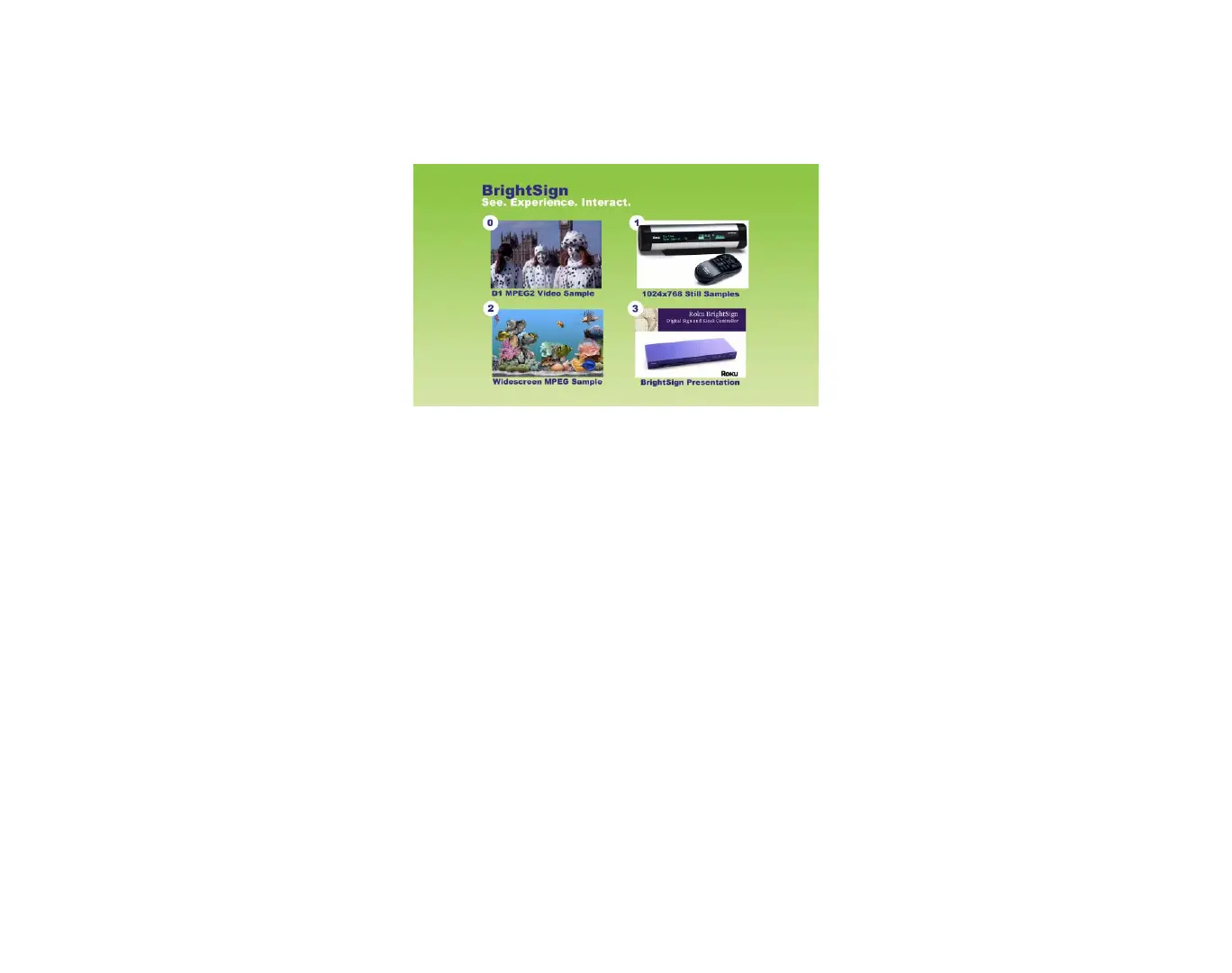
6 Use the touch screen, mouse, or button board to select one of the four hot spots.
You can also use the demo to try BrightSign with different types of monitors:
1 Connect your BrightSign to a monitor or TV using a VGA, component, or HDMI connection.
2 Make sure your monitor is configured to receive input from the cable you’re using.
3 Start the demo by inserting the SD card you created in the previous set of steps.
Step 4: Get the results you want
Now you’re ready to start using your BrightSign. Just add your content and follow the directions to play
your presentation.



 To Next Page