2
•
•
•
•
•
•
Sample BrightSign setups
You can connect BrightSign to a wide-range of devices based on your audio, video, and
interactivity needs.
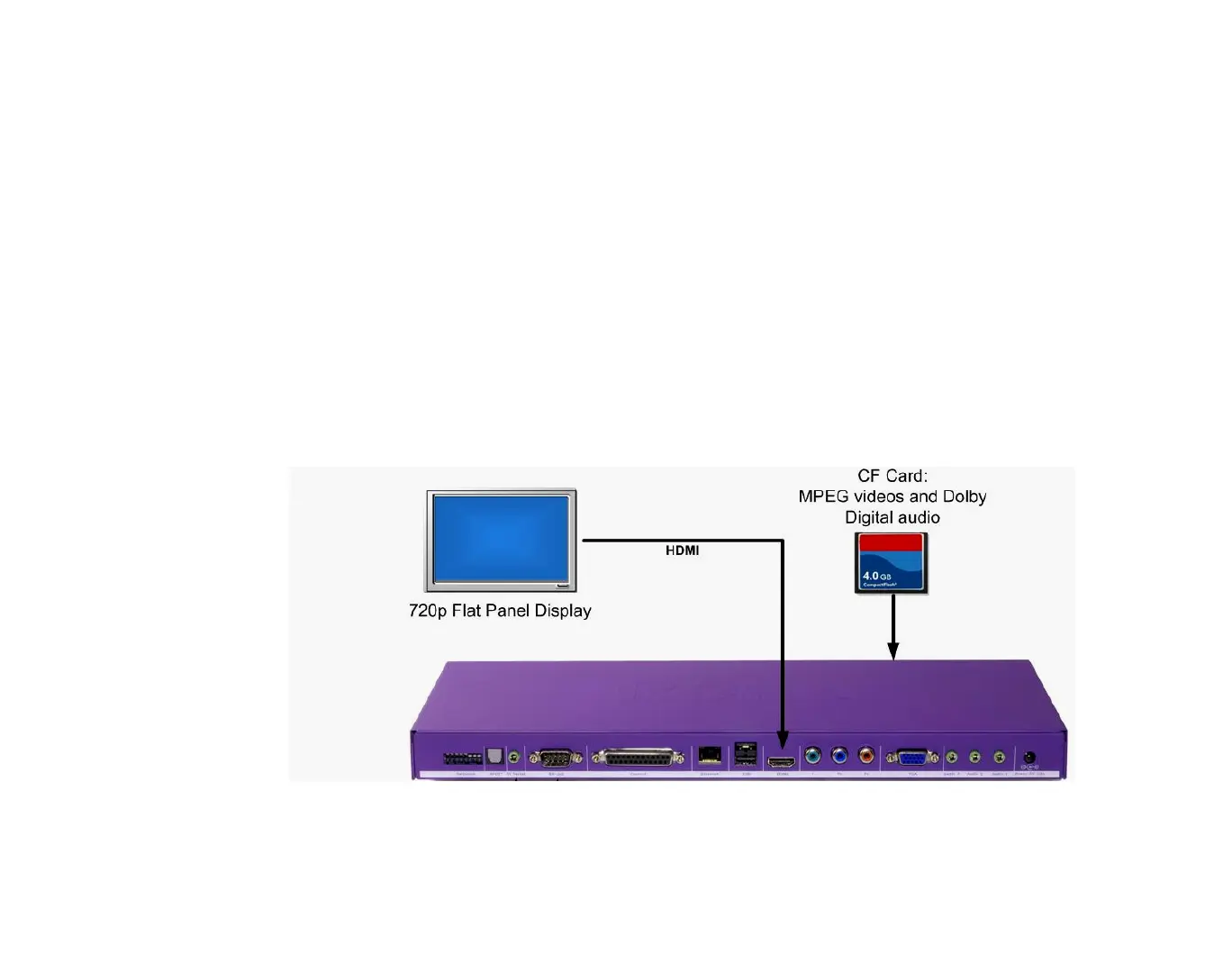
Video or slide show loop
Place a video or set of still images on a Secure Digital (SD) or CompactFlash (CF) card, and
connect BrightSign to a display. (CF cards are supported on the HD2000 only.) You can use any of
the following methods to connect to a display:
•
Use a VGA cable to connect to a flat panel monitor
•
Use an RGB component cable to connect to a high-definition display, such as a plasma TV
(HD810, HD1010, and HD2000 only)
•
Use an HDMI cable to connect to a high-definition display



 To Next Page